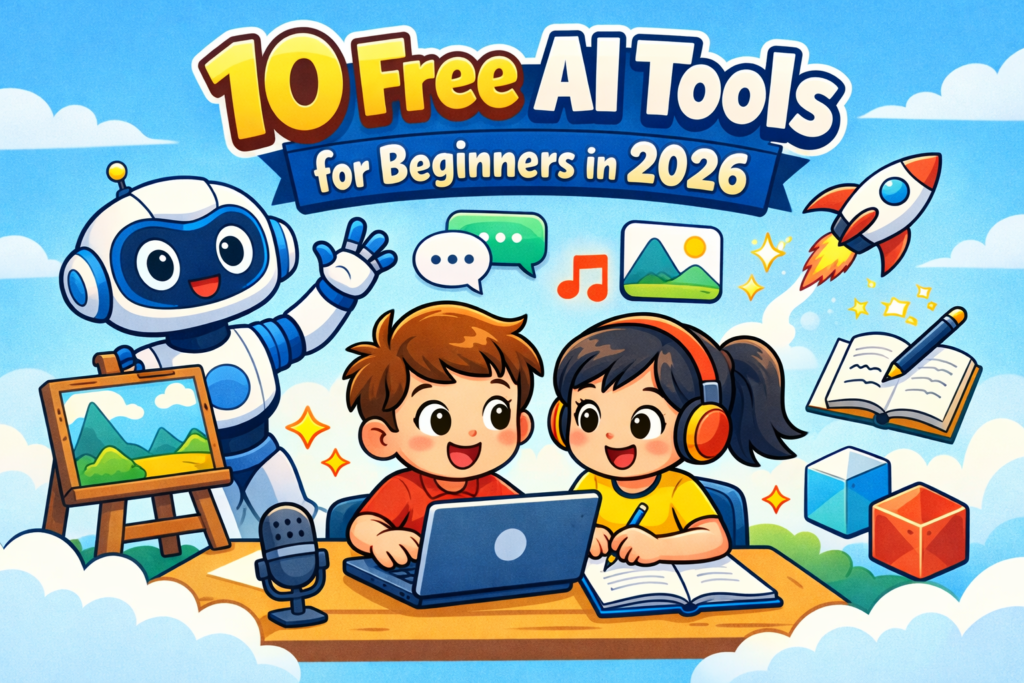
10 Free AI Tools for Beginners in 2026 are changing the way people create content, learn new skills, and work online. Just a few years ago, many of these tasks required technical knowledge or expensive software. Today, anyone with a laptop or phone can start using powerful AI tools for writing, video creation, research, design, and productivity.
Whether you are a blogger, student, YouTuber, freelancer, or someone exploring online income, these tools can save hours of work. In this guide, we’ll look at the most useful and beginner-friendly AI tools you can start using right away.
If you want to improve online earning, content creation, or productivity, knowing the right AI tools is very important. The problem is that thousands of tools are available on the internet, and beginners often get confused about which AI tools they should use and which ones they should ignore. Some AI tools exist mainly because of hype, while others genuinely make your work easier. That’s why having a clear list of free tools that are actually useful is important.
In this article, we will explore the 10 best free AI tools for beginners in 2026 in detail. Along with each AI tool, we will also look at its real use cases, who can use it, and what beginners can actually do with it—such as writing blog posts, creating YouTube videos, generating images, doing research, or growing an online business. If you are just starting to explore AI tools, this post will give you a practical starting point and help you understand which tools are truly useful for your work.
10 Free AI Tools for Beginners In 2026
1. ChatGPT
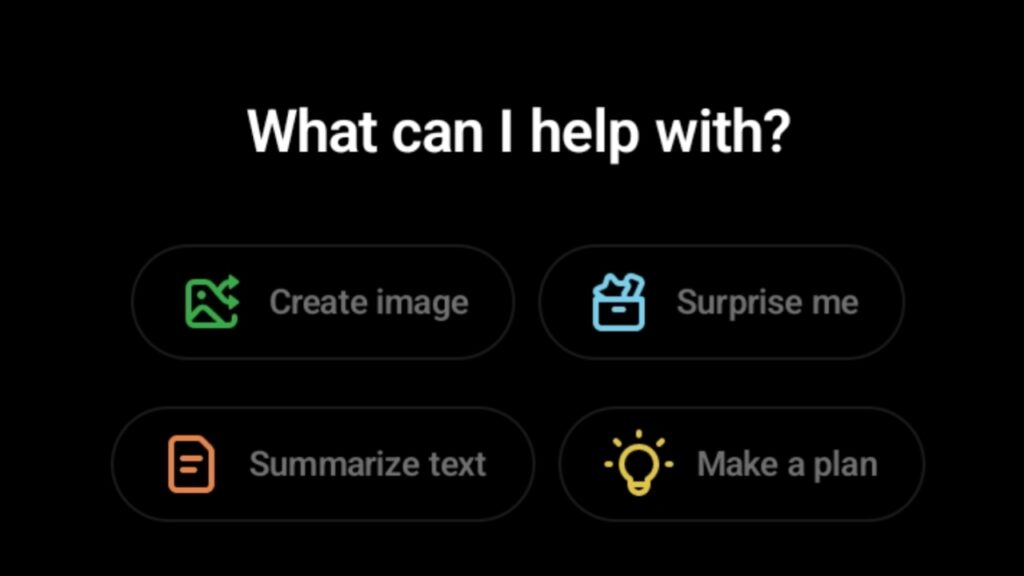
This is still the most popular AI tool, and for beginners it’s one of the best starting points. If someone wants to enter the AI world, it’s hard to find a better place to start than ChatGPT. The tool basically works like an intelligent assistant that helps with writing, research, ideas, and problem-solving.
Bloggers use it to generate article outlines, FAQs, headings, and meta descriptions. YouTubers use it for writing scripts, students use it to simplify notes, and freelancers use it to speed up client work. In 2026, one of ChatGPT biggest advantages is that it understands context, gives detailed answers, can turn simple instructions into a complete project, and can follow different writing styles.
If someone is starting a blog, this AI tool can help with topic ideas, keyword angles, and structured content. Tasks that normally take hours can be done in minutes. It’s basically an all-rounder AI tool that makes work faster—you just need to know how to use it properly and what kind of prompt to give.
What you can do with it:
- Write blog articles
- Create YouTube scripts
- Emails, captions, product descriptions
- Study notes and explanations
- Coding help
- Idea generation
Why it’s powerful in 2026:
- Can write long-form content
- Summarizes research
- Creates SEO-friendly headings
- Can write in different tones
Example use:
If you run a blog, you can simply type:
“Write an SEO article on best phone under $500.”
It can generate the full structure:
- Title
- Headings
- FAQs
- Meta description
Beginner benefit:
It can reduce your work time by around 80%.
But one important thing: don’t publish content exactly as it’s generated. Add your own effort as well. Edit it, improve it, and include your own research. AI is meant to help you, not to do everything for you.
2. Canva AI

It is a favorite tool for beginners for image design.
Designing is usually the most confusing part for beginners, but Canva AI has made it much simpler. On this platform you can easily create YouTube thumbnails, blog featured images, Instagram posts, presentations and marketing graphics. In the 2026 version, Canva’s AI can generate designs from text, remove the background of images and automatically optimize templates. The most useful feature for beginners is Magic Design where you just have to write an idea and the tool gives multiple layout suggestions. For content creators who are starting a blog or YouTube, Canva has become an all-in-one visual toolkit and it is also very easy to use.
What you can create with it:
- YouTube thumbnails
- Instagram posts
- Blog featured images
- Presentations
- Posters
- Ads
AI features:
- Magic Design
- Text to Image
- Background remover
- AI image expansion
- Thumbnail templates
Example use: If you want to create a YouTube thumbnail
just write:
“best YouTube gaming thumbnail”.
Whatever type of thumbnail you want to create in your category, write all those ideas and it will create it.
AI automatically creates the design.
Even in the free plan you get many good features.
3. CapCut AI
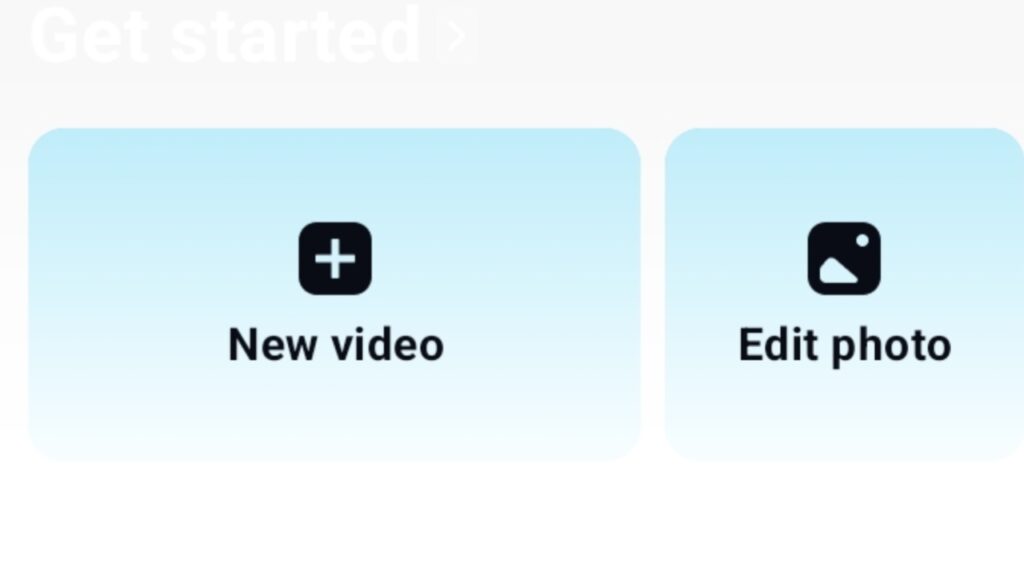
The best powerful tool for short video creators and YouTubers.
Video content is now the fastest growing format on the internet, and CapCut AI makes editing very easy for beginners. Traditional video editing software has a high learning curve, but CapCut AI automatically cuts clips, generates subtitles and suggests trending effects. This tool is very popular for Reels, Shorts and TikTok type videos. If a beginner is making gaming videos, educational clips or motivational content, CapCut’s AI can detect highlights and remove unnecessary parts. Because of this the editing time becomes much less and the videos start looking professional.
Use cases:
- Reels editing
- YouTube Shorts
- Automatic subtitles
- Background music
- AI cut editing
AI features:
- Auto captions
- AI voice
- Remove background
- Script to video
- Auto highlight clips
Example: If you make gaming videos then
AI automatically cuts the interesting moments.
4. Leonardo AI
If you want to create AI images then this is one of the best tools.
Leonardo AI is specially used for image generation and creative visuals. Content creators, bloggers and game designers create unique graphics with this tool. In 2026 its AI has become quite advanced which understands detailed prompts and generates cinematic quality images. YouTube thumbnails, blog illustrations, website banners and social media graphics can be easily created. The biggest benefit of this is that beginners do not need expensive design software or graphic design skills. Just describe the idea and the AI converts it into visual form.
What you can create with Leonardo AI:
- YouTube thumbnails
- Game art
- Characters
- Logos
- Wallpapers
- Story illustrations
Strong features:
- High quality images
- Different styles
- Prompt control
- Gaming assets creation
Example: Prompt: “Cinematic gaming thumbnail Means create any Fortnite headshot image” and it will create it for you.
It gives you very realistic images.
5. Pictory AI
A tool that converts text into video, it is a very good tool.
Pictory AI is useful for people who want to make videos but do not like to come in front of the camera. This tool automatically converts text into video. If you have a blog article, script, or informational content, Pictory divides it into scenes and adds relevant visuals and subtitles. It has become quite popular for faceless YouTube channels. In 2026, its AI voice integration and automatic stock footage matching have improved even more, which allows beginners to create decent videos even without editing knowledge.
Best for:
- Faceless YouTube channel
- Educational content
- News videos
- Blog to video conversion
Features:
- Script to video
- Automatic visuals
- Voiceover
- Captions
- Stock footage
Example: If there is a blog article
AI converts it into a YouTube video.
6. Grammarly AI
Clarity and professionalism are very important in online writing, and Grammarly AI is the solution for this. It not only fixes grammar mistakes but also improves sentence structure, adjusts tone, and makes writing more readable. Bloggers, students, and professionals all use it. If a beginner is writing content in English, Grammarly AI makes it polished and natural. In the 2026 version, rewriting suggestions and context-based corrections have become even more intelligent, which makes the content look more engaging.
It is known for improving writing.
Useful for:
- Blog writing
- Emails
- Professional English
- Grammar correction
- Tone improvement
AI features:
- Rewrite sentences
- Clarity suggestions
- Tone adjust
- Short / long version
Example: If you have written an article with AI, then Grammarly AI makes it professional.
7. Notion AI
A powerful productivity tool for both students and creators.
Notion AI has become a powerful tool for productivity and planning. Content creators use it to manage content calendars, blog outlines, research notes, and project planning. Its AI feature can summarize long notes, generate new ideas, and convert messy information into an organized format. For beginners, it is like a digital workspace where you can store ideas, manage tasks, and make content planning systematic. In 2026, both creators and startups are using this tool to manage their workflow.
What you can do with Notion AI:
- Organize notes
- Summarize research
- Content planning
- Blog outlines
- Task management
AI capabilities:
- Summaries
- Idea generation
- Automatic notes
- Content rewrite
Example: You can generate YouTube video ideas instantly.
8. Remove.bg
It is a simple but powerful tool.
Sometimes simple tools are the most useful, and Remove.bg is the perfect example of that. This tool automatically removes the background from images. It is also very easy to use, just open the website or app and select the image whose background you want to remove or change and upload it. In just a few seconds it removes their background and gives it to you. It is very useful for thumbnails, product photos, profile images, and marketing creatives. Beginners do not need to learn Photoshop. Content creators can use it to make thumbnails and promotional graphics clean and professional. You can get it free, and if you take its subscription then the quality you get is much better than the free one. It is very useful even in the free version for beginners who do not want to spend money.
What Remove bg does: Removes the background of a photo.
Use cases:
- Thumbnail
- Product photos
- Instagram posts
- Editing
Removes background in 1 click.
It is a perfect tool for beginners.
9. ElevenLabs AI
It is famous for AI voice generation.
In voice generation technology, ElevenLabs has become very popular. It creates realistic AI voiceovers that feel like human narration and it is at number 1 in AI voice generation. Its use is increasing in YouTube channels, podcasts, audiobooks, and explainer videos. The biggest benefit for beginners is that there is no need for a microphone or recording setup. Write the script and AI generates a natural sounding voice. In 2026, multilingual voices and emotional tone control features have also improved.
Use cases:
- YouTube voiceover
- Story narration
- Podcast
- Audiobooks
Features:
- Natural voice
- Multiple languages
- Emotional tone
- Realistic speech
Example: Paste the script
AI voice will be generated.
It is used a lot in faceless YouTube channels. For those who do not want to make videos by showing their face, ElevenLabs is a very useful AI tool.
10. Perplexity AI
A very powerful AI search engine for research.
For research and information finding, Perplexity AI works like a modern search assistant. It is different from traditional search engines because it does not just show links but also provides summarized answers and shows sources as well. Bloggers, students, and researchers use it for quick understanding. If you are writing an article on any topic, you can easily find trends, statistics, and recent updates from Perplexity. Because of this, research time is reduced a lot and the content can become more accurate.
Think of it as a Google + AI combo.
What Perplexity Does:
- Gives answers from the internet
- Shows sources
- Provides latest information
- Makes research easy
Example: Search: “Best laptop under $500 2026”
AI will give a comparison.
A very useful AI tool for bloggers.
Beginners AI Workflow (2026)
If a beginner wants to start working online, they can follow this simple workflow:
- Step 1 – Idea Perplexity / ChatGPT
- Step 2 – Script / Article ChatGPT
- Step 3 – Images Leonardo AI / Canva
- Step 4 – Video CapCut / Pictory
- Step 5 – Voice ElevenLabs
By following this process, one person can become a solo content creator.
Real Ways Beginners Use These AI Tools
Blogging
- Keyword research
- Article writing
- Images
- SEO optimization
YouTube
- Script
- Thumbnail
- Voiceover
- Editing
Freelancing
- Content writing
- Graphic design
- Social media posts
Affiliate Marketing
- Product review articles
- Comparison posts
- Pinterest pins
- Landing page content
How to Choose the Right AI Tool as a Beginner?
With thousands of AI tools available online, beginners often feel confused about where to start. The best approach is to focus on tools that solve a specific problem. For example, if you write blog posts, a writing assistant like ChatGPT or Grammarly can help. If you create videos, tools like Pictory or CapCut AI can speed up the process.
It’s also important to look for tools with a simple interface and a free plan. This allows you to experiment without spending money. Over time, you’ll discover which tools genuinely improve your workflow.
Important Tip (Most Beginners Miss This)
Using an AI tool alone is not enough.
Ranking or earning happens when:
- Choose the proper topic
- Understand search intent
- Add value
- Give real examples
- Maintain consistency
Content that is only copy-pasted from AI usually does not rank.
Why AI Tools Are So Popular in 2026?
Artificial intelligence has become part of everyday online work. Bloggers use it to outline articles, YouTubers use it to generate scripts, designers create graphics faster, and students use it for research and summaries.
The biggest reason beginners are adopting AI tools in 2026 is simple — most of them are easy to use and many offer free versions. You don’t need coding skills or technical knowledge. With the right tools, tasks that once took hours can now be completed in minutes.
Because of this, learning which AI tools are actually useful can make a big difference in productivity.
Conclusion – 10 Free AI Tools for Beginners in 2026
In 2026, AI tools have become not a shortcut but a multiplier for beginners. If used in the right way, even a single creator can start blogging, YouTube, freelancing, and an online business.
AI is no longer something only developers or tech experts use. In 2026, beginners are using AI to start blogs, build YouTube channels, design content, and even launch online businesses. The tools listed in this guide are simple enough to start with but powerful enough to make a real difference in your work.
If you’re new to AI, don’t try to learn everything at once. Start with one or two tools, explore their features, and gradually build your workflow around them. Over time, these tools can save you hours of effort and open up new opportunities online.
The best approach is:
- Start with 2–3 tools
- Use them daily
- Apply them to real projects
Within 3–6 months, skills start developing.
Faqs?
1. What are the best free AI tools for beginners in 2026?
Some of the most useful tools include ChatGPT for writing and research, Canva AI for graphics, Pictory for video creation, Grammarly for editing, and Notion AI for productivity.
2. Can beginners use AI tools without technical skills?
Yes. Most modern AI tools are designed for simple use. You just type instructions or upload content and the tool does most of the work.
3. Are free AI tools enough for blogging and YouTube?
For many creators, free plans are more than enough to start. As your content grows, you can upgrade to advanced features if needed.