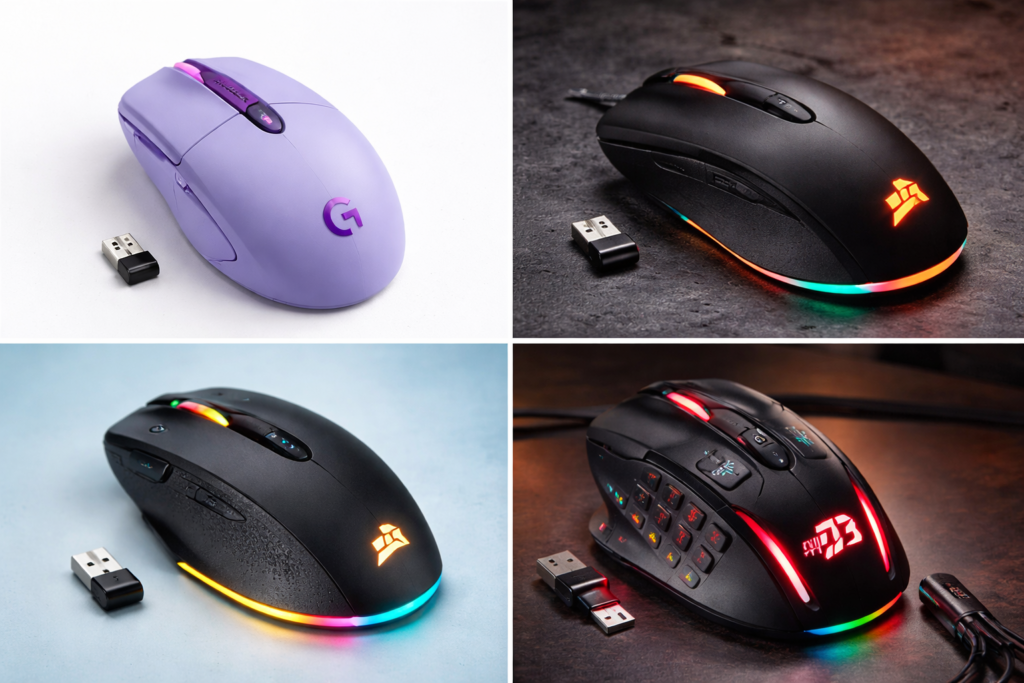
1. Tired of Cheap Gaming Mice That Stop Performing After a Few Months?
If you are a budget gamer, you have probably faced this problem:
You buy a cheap gaming mouse. RGB looks attractive. Price looks affordable.
But after a few weeks:
• Sensor starts skipping
• Double-click issues appear
• Build quality feels cheap
• Performance becomes inconsistent
That is exactly why many gamers start searching for the best gaming mouse under $50 instead of random budget options.
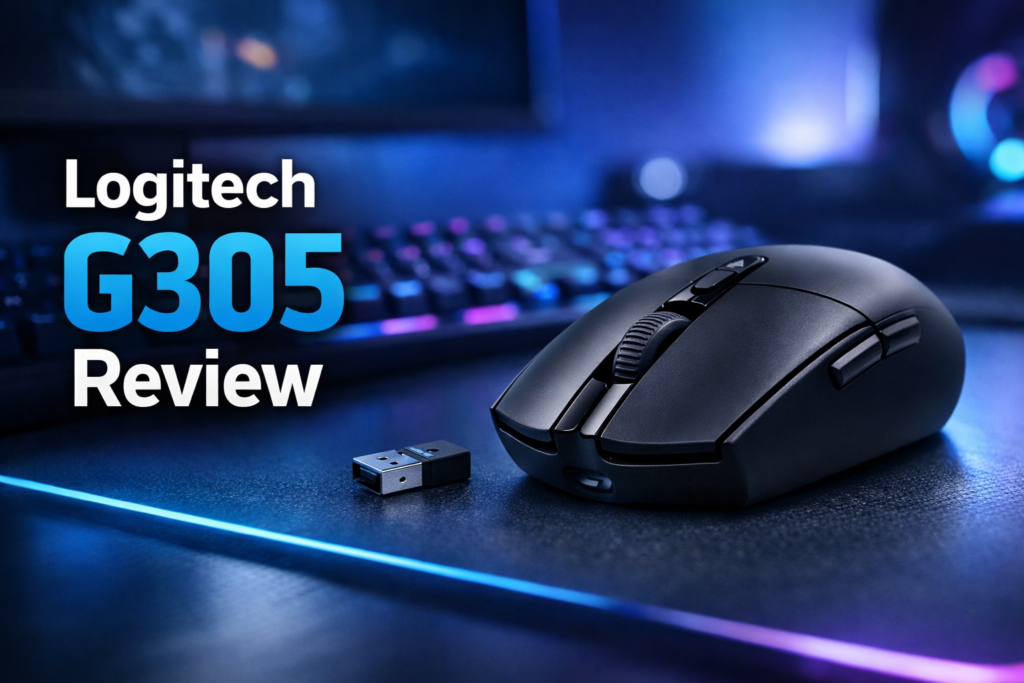
The Logitech G305 became popular because it focuses on what actually matters:
Performance. Sensor quality. Reliability.
Not unnecessary RGB.
After testing and researching this mouse, here is the honest truth about whether this is a safe purchase or just another overhyped budget gaming mouse.
Table of Contents
2. Quick Review
Logitech G305 Lightspeed Quick Rating
Rating: 4.5 / 5
Best for:
• FPS gamers
• Budget esports players
• Laptop gamers
• Wireless gaming setup users
• Students building a gaming setup
Not ideal for:
• RGB lovers
• Ultra-lightweight mouse fans
• Large-hand palm grip users
Quick opinion:
If your budget is under $50 and you want performance first, this is one of the safest gaming mouse choices available.
3. Logitech G305 Specifications
| Feature | Details |
|---|---|
| Sensor | HERO 12K Sensor |
| DPI | 200 – 12,000 DPI |
| Connectivity | Lightspeed Wireless |
| Battery | AA battery |
| Battery Life | Up to 250 hours |
| Weight | 99 grams |
| Buttons | 6 programmable buttons |
| Switch durability | 10 million clicks |
| Shape | Compact symmetrical |
| Software | Logitech G Hub |
| RGB | No |
4. Why Gamers Started Choosing Logitech G305
The main reason this mouse became popular is simple:
It delivers premium performance at a budget price.
Most gaming mice under $50 compromise sensor quality. Logitech did the opposite.
Instead of adding flashy RGB, they invested in:
• Sensor accuracy
• Wireless latency
• Battery efficiency
• Long-term reliability
Many FPS players actually use this as a budget competitive gaming mouse.
That alone says a lot about its performance credibility.
5. Features That Actually Matter (Feature → Benefit)
Here is what actually matters in real gaming usage:
HERO Sensor → Accurate Aim
Cheap gaming mice often spin out during fast movements. The G305 stays accurate even during fast flick shots.
Meaning:
Better tracking in Valorant
Better recoil control in CS2
Better movement precision in Fortnite
Lightspeed Wireless → No Noticeable Delay
Wireless usually means lag.
Not here.
Logitech Lightspeed technology feels almost identical to wired response time.
Benefits:
Clean desk setup
No cable drag
Smooth mouse movement
250 Hour Battery → No Charging Stress
You do not need to charge this mouse daily like rechargeable models.
One AA battery can last months depending on usage.
Benefits:
No battery anxiety
No charging cable clutter
6 Programmable Buttons → Useful Customization
You can assign:
DPI shift
Reload
Ability keys
Macros
This makes it useful for both gaming and productivity tasks.
Lightweight Design → Better Control
At 99g it is not ultra-light, but still comfortable.
Benefits:
Balanced feel
Stable control
Not too heavy for long sessions
6. Real Usage Experience (Daily Performance)
After long gaming sessions, consistency matters most.
This mouse feels predictable.
No random tracking issues. No unexpected lag. No strange acceleration.
In daily use:
Browsing feels smooth
Editing feels precise
Gaming feels controlled
The clicks feel tactile without being too loud.
The scroll wheel is basic but reliable.
This is the type of mouse you forget about while gaming — which is actually a good thing.
Because it means it is doing its job properly.
7. Build Quality Reality Check
This is not a premium metal gaming mouse.
But it does not feel cheap either.
Plastic quality feels solid. No flex when pressed. Buttons feel stable.
Things I liked:
• No rattling
• Good button tension
• Strong shell design
Things to note:
• No rubber side grips
• Basic surface coating
Overall:
It feels like a serious gaming tool rather than a toy.
8. Gaming Performance Test
This is where the Logitech G305 earns its reputation.
Performance by game type:
FPS Games:
Very good tracking. No spin-outs. Reliable flick shots.
Battle Royale:
Consistent tracking during sprays.
MOBA Games:
Fast clicks feel responsive.
Casual gaming:
More than enough performance.
The HERO sensor is the real strength.
It performs far above typical budget gaming mice.
This is why many consider it a hidden budget esports mouse.
9. Comfort and Daily Usability
Comfort depends mainly on hand size.
Best suited for:
Small hands → Excellent
Medium hands → Good
Large hands → Depends on grip
Grip compatibility:
Claw grip → Very good
Fingertip grip → Excellent
Palm grip → Only suitable for small hands
Shape is safe and neutral.
Portable size also makes it good for laptop gamers.
10. Pros and Cons
Pros
• Excellent sensor performance
• Reliable wireless connection
• Long battery life
• Trusted Logitech durability
• Great for FPS gaming
• Clean minimal design
• Strong value for money
Cons
• No RGB lighting
• Uses AA battery
• Not ultra-lightweight
• No side rubber grips
• Small for large hands
None of these are deal breakers unless you specifically want RGB or an ultra-light design.
11. Who Should Buy Logitech G305?
This is a strong choice if you are:
• Buying your first serious gaming mouse
• Upgrading from a cheap mouse
• Playing FPS games
• Want wireless performance at a low price
• Building a budget gaming setup
• A student gamer
If you want performance over looks, this is a safe decision.
12. Who Should Avoid This Mouse?
Avoid if:
• You want RGB aesthetics
• You want a rechargeable battery
• You want a honeycomb ultra-light mouse
• You have very large hands
• You prefer ergonomic shapes
Better alternatives exist in those cases.
13. Comparison vs Similar Budget Gaming Mice
Logitech G305 vs Razer Orochi Essential
G305 wins in:
Sensor performance
Battery life
Wireless latency
Razer wins in:
Design aesthetics
Logitech G305 vs SteelSeries Rival 3 Wireless
G305 advantages:
Battery efficiency
Weight balance
Rival advantages:
RGB lighting
Dual battery mode
Logitech G305 vs Redragon Budget Mice
G305 advantage is reliability.
Redragon advantage is lower price.
If budget allows, G305 is usually the safer long-term purchase.
14. Alternatives You Can Consider
If you are comparing options:
Razer Basilisk Essential
Better for: Ergonomic grip preference.
SteelSeries Rival 3 Wireless
Better for: RGB fans.
Corsair Katar Pro Wireless
Better for: Lightweight preference.
But overall balance still favors the G305 for most users.
15. Is Logitech G305 Worth the Money?
Simple answer:
Yes, if you value performance more than extra features.
You are paying for:
Sensor quality
Wireless reliability
Brand durability
Not RGB.
If your goal is gaming performance improvement, this gives better value than flashy alternatives.
If you are confused between multiple budget gaming mice, this remains one of the safest picks.
16. Buying Advice
Before buying, ask yourself:
Do I want performance or RGB?
If performance → buy this.
Do I want ultra-lightweight?
Consider alternatives.
Do I want reliability?
This is a strong choice.
Simple decision logic:
If FPS gaming matters → choose G305.
17. Where To Buy Logitech G305
You should always buy from trusted stores to avoid counterfeit units.
You can check latest price and availability here:
(Check latest price on Amazon)
(See current discount here)
(View user reviews before buying)
Tip:
If the price drops below $45, it becomes an extremely strong value deal.
18. FAQ [Best Gaming Mouse Under $50]
Is Logitech G305 good for FPS gaming?
Yes. The HERO sensor makes it very reliable for FPS aiming and tracking.
Is this better than cheap RGB gaming mice?
Yes in performance. RGB mice may look better but rarely match sensor quality.
Does Logitech G305 have input lag?
No noticeable lag. Lightspeed wireless is very responsive.
How long does the battery last?
Around 3–6 months depending on usage.
Is it good for beginners?
Yes. Very safe starter gaming mouse.
19. Final Advice
If your goal is finding the best gaming mouse under $50, the Logitech G305 remains one of the most practical choices.
It does not try to impress with looks.
It focuses on what actually improves gaming:
Sensor. Reliability. Consistency.
That makes it a smarter purchase than many flashy budget mice.
This is not the most stylish mouse.
But it is one of the safest performance purchases.
20. Final Recommendation
If you want a budget gaming mouse you can buy without worrying about performance issues, the G305 is an easy recommendation.
If your priority is:
Stable performance
Trusted brand
Wireless freedom
Long battery life
You will likely be satisfied.
If you are confused between multiple budget options, choosing this is rarely a wrong decision.
Check current pricing before buying because discounts often make it even better value.