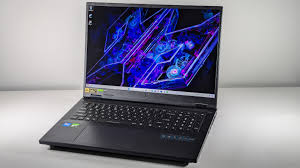
Why $1500 Is the Sweet Spot for Serious Gamers in 2026
If you want smooth AAA gaming without overpaying, best gaming laptop under $1500 is where real value lives in 2026. At this budget, you finally escape entry-level compromises and step into RTX 4060–class GPUs, high-refresh displays, solid thermals, and CPUs that won’t bottleneck modern games. For competitive titles like Warzone, Valorant, or Fortnite, this range delivers consistent high FPS. For story-driven AAA games, you get high to ultra settings without constant tweaking. This is also the price point where build quality, cooling design, and display panels noticeably improve. Simply put, if you want a machine that feels powerful today and still relevant two years from now, this budget hits the performance-to-price sweet spot.
Best Gaming Laptop Under $1500 – Quick Comparison (2026)
| Laptop Model | GPU | CPU | Display | Typical Price |
|---|---|---|---|---|
| ASUS TUF Gaming A15 | RTX 4060 | Ryzen 7 7735HS | 15.6″ FHD 144Hz | $1,199–$1,299 |
| Lenovo Legion 5 | RTX 4060 | Ryzen 7 7840HS | 15.6″ QHD 165Hz | $1,399–$1,499 |
| Acer Predator Helios Neo 16 | RTX 4060 | Core i7-13700HX | 16″ WQXGA 165Hz | $1,349–$1,449 |
| HP Omen 16 | RTX 4060 | Ryzen 7 7840HS | 16.1″ QHD 165Hz | $1,399 |
| MSI Katana 15 | RTX 4070 | Core i7-13620H | 15.6″ FHD 144Hz | $1,449 |
| Dell G16 | RTX 4060 | Core i7-13650HX | 16″ QHD+ 165Hz | $1,399 |
| Gigabyte Aorus 15 | RTX 4060 | Core i7-13700H | 15.6″ QHD 165Hz | $1,499 |
Top Best Gaming Laptops Under $1500 – Deep Reviews
1. ASUS TUF Gaming A15 (RTX 4060)
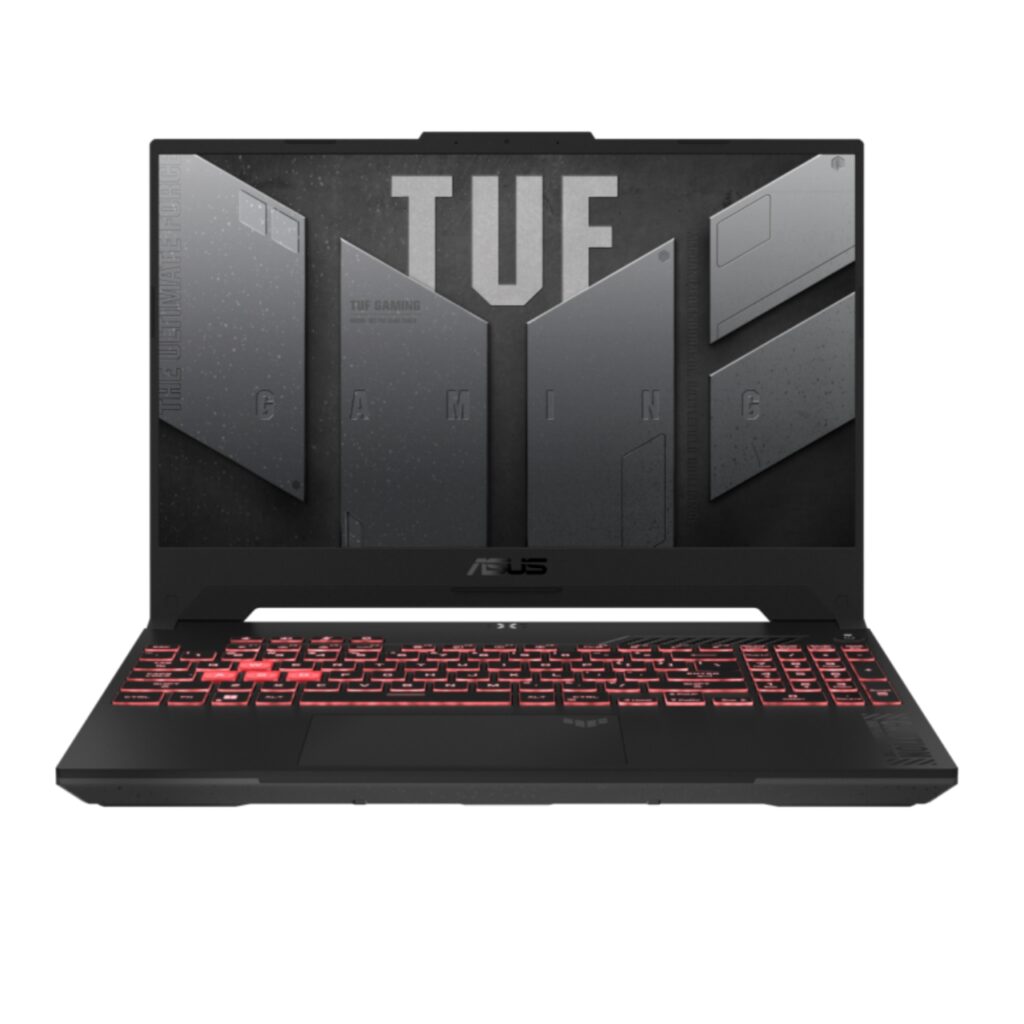
The ASUS TUF A15 is a classic value pick that prioritizes stability over flashy design.
Real-World Gaming Performance
Expect 90–110 FPS in Warzone (high), 140+ FPS in Valorant, and 60–70 FPS in Cyberpunk 2077 (high with DLSS).
Thermals & Cooling
Dual-fan cooling keeps GPU temps in the low-80s°C under load. Fans are audible but controlled.
Display Quality
144Hz IPS panel with decent brightness. Color accuracy is average, but motion clarity is solid.
Build Quality
MIL-STD rated chassis. Not premium, but durable.
Pros
- Strong price-to-performance
- Reliable cooling
- Good battery life for a gaming laptop
Cons
- Average speakers
- Display not creator-grade
Who Should Buy It
Gamers who want dependable performance without paying for premium extras.
Who Should Avoid It
Content creators needing accurate colors.
2. Lenovo Legion 5 (RTX 4060)
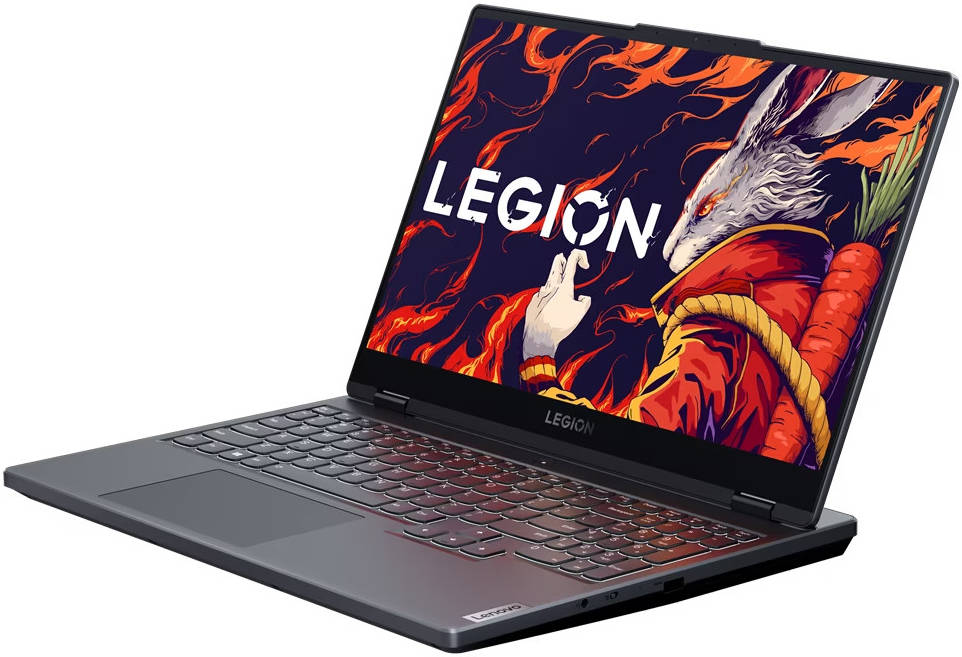
Lenovo’s Legion 5 is one of the most balanced machines you can buy.
Real-World Gaming Performance
80–100 FPS in modern AAA titles at high settings. Competitive games easily exceed 165Hz.
Thermals & Cooling
One of the best cooling systems in this class. Sustains performance during long sessions.
Display Quality
QHD 165Hz panel with excellent color accuracy and brightness.
Build Quality
Clean, professional design with solid hinge and keyboard.
Pros
- Excellent display
- Strong thermals
- Comfortable keyboard
Cons
- Slightly heavier
- Webcam is basic
Who Should Buy It
Gamers who want premium balance without crossing $1500.
Who Should Avoid It
Ultra-portable seekers.
3. Acer Predator Helios Neo 16
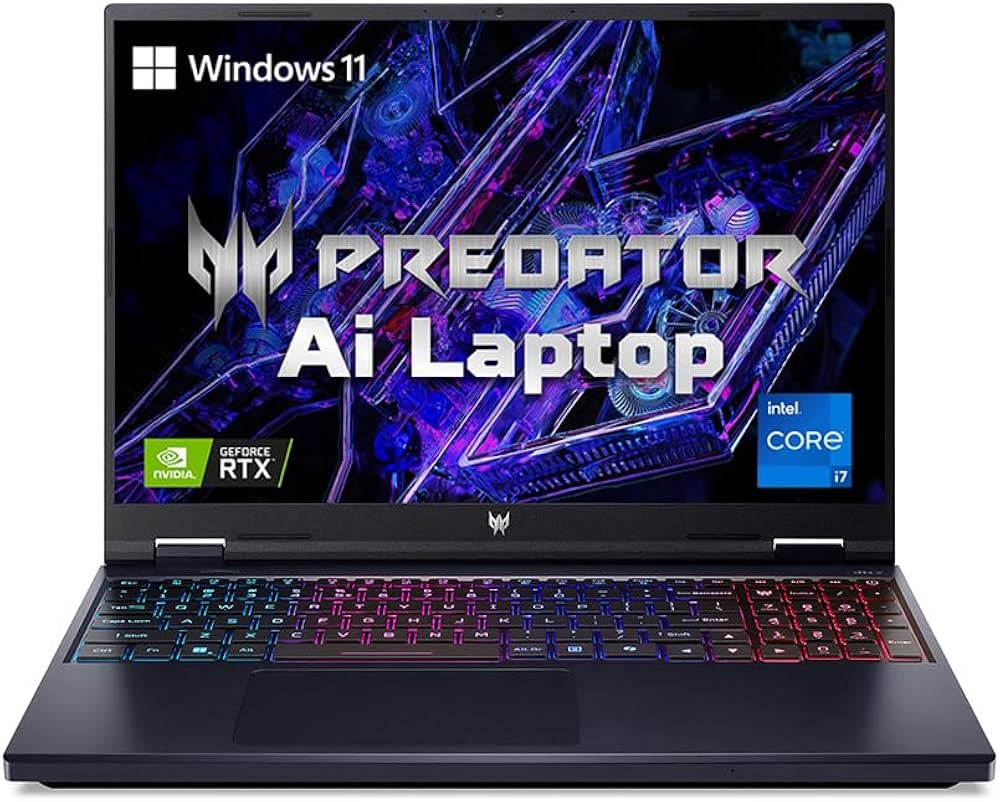
This machine brings desktop-class CPU power into the mix.
Real-World Gaming Performance
High FPS in CPU-heavy games like CS2 and simulation titles.
Thermals & Cooling
Aggressive fans but effective cooling. Performance remains stable.
Display Quality
Large 16-inch WQXGA panel with immersive clarity.
Build Quality
Bold gaming design with RGB accents.
Pros
- Extremely powerful CPU
- Big, immersive display
Cons
- Loud fans under load
- Average battery life
Who Should Buy It
Gamers who multitask or stream.
Who Should Avoid It
Those wanting quiet operation.
4. HP Omen 16
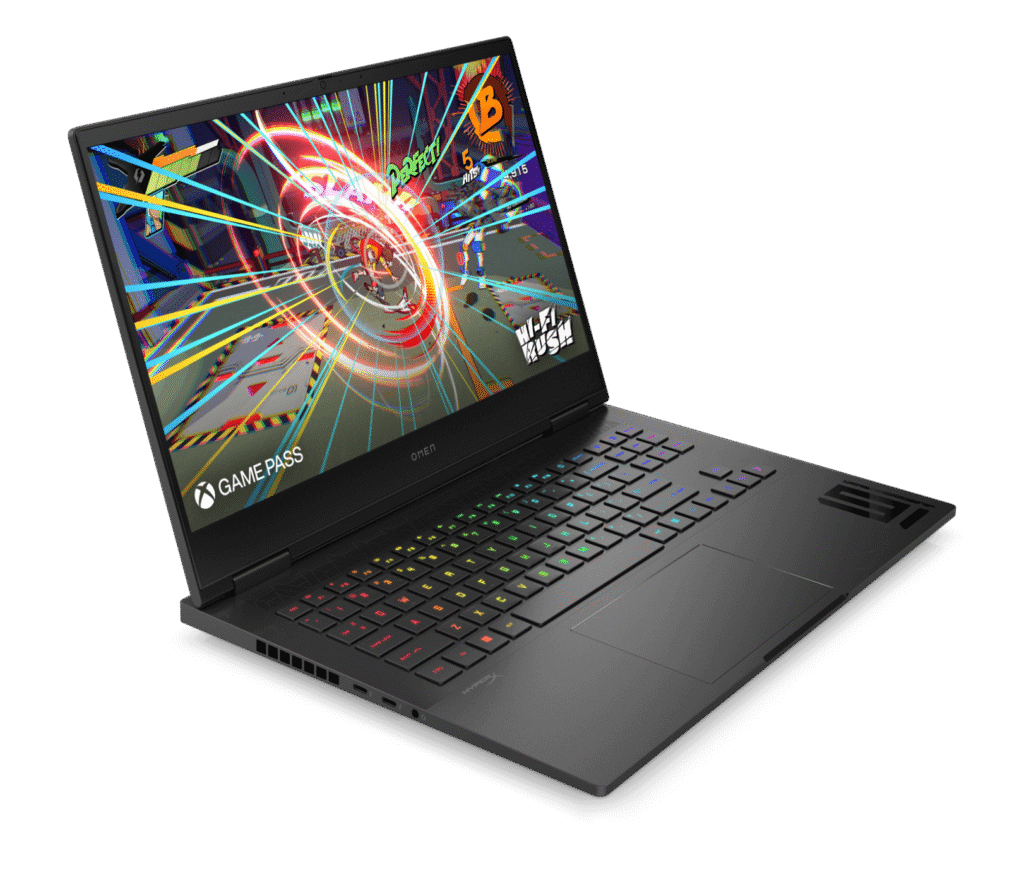
HP’s Omen focuses on clean design and consistent performance.
Real-World Gaming Performance
Smooth 60–90 FPS in AAA games with high settings.
Thermals & Cooling
Well-tuned cooling profile, quieter than most competitors.
Display Quality
QHD panel with good contrast and brightness.
Build Quality
Minimalist design that works in professional environments.
Pros
- Quiet cooling
- Clean design
Cons
- Plastic feel in some areas
Who Should Buy It
Gamers who want stealthy looks.
Who Should Avoid It
RGB lovers.
5. MSI Katana 15 (RTX 4070)
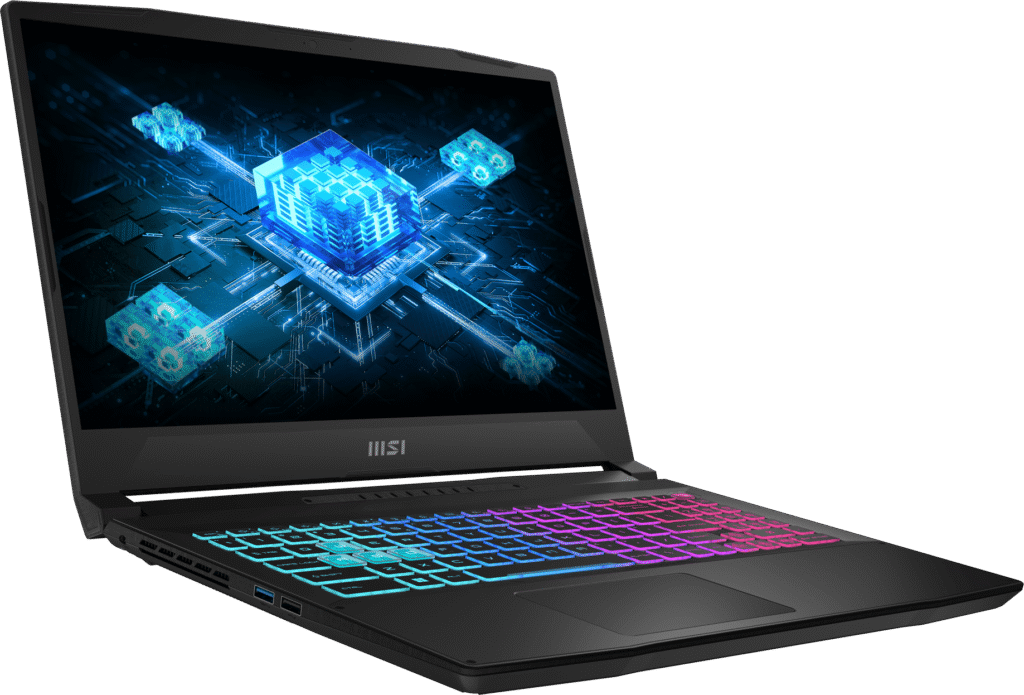
This is the cheapest way to get RTX 4070 power.
Real-World Gaming Performance
Higher FPS in GPU-bound games like Hogwarts Legacy and Starfield.
Thermals & Cooling
Runs hot but within safe limits.
Display Quality
144Hz panel is fast but lacks color depth.
Build Quality
Lightweight but less premium.
Pros
- RTX 4070 performance
- Competitive pricing
Cons
- Average build
- Weak speakers
Who Should Buy It
Performance-first gamers.
Who Should Avoid It
Those sensitive to heat and noise.
6. Dell G16
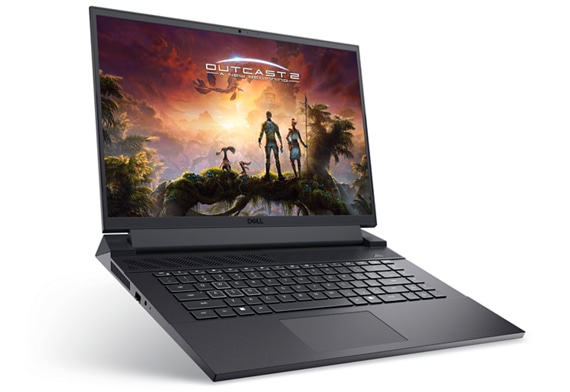
Dell’s G16 offers a large display and strong CPU performance.
Real-World Gaming Performance
Consistent high FPS in modern titles.
Thermals & Cooling
Good thermal headroom with thick chassis.
Display Quality
QHD+ 165Hz with sharp visuals.
Build Quality
Solid but heavy.
Pros
- Big, sharp display
- Strong CPU
Cons
- Heavy
- Bulky charger
Who Should Buy It
Desk-based gamers.
Who Should Avoid It
Frequent travelers.
7. Gigabyte Aorus 15
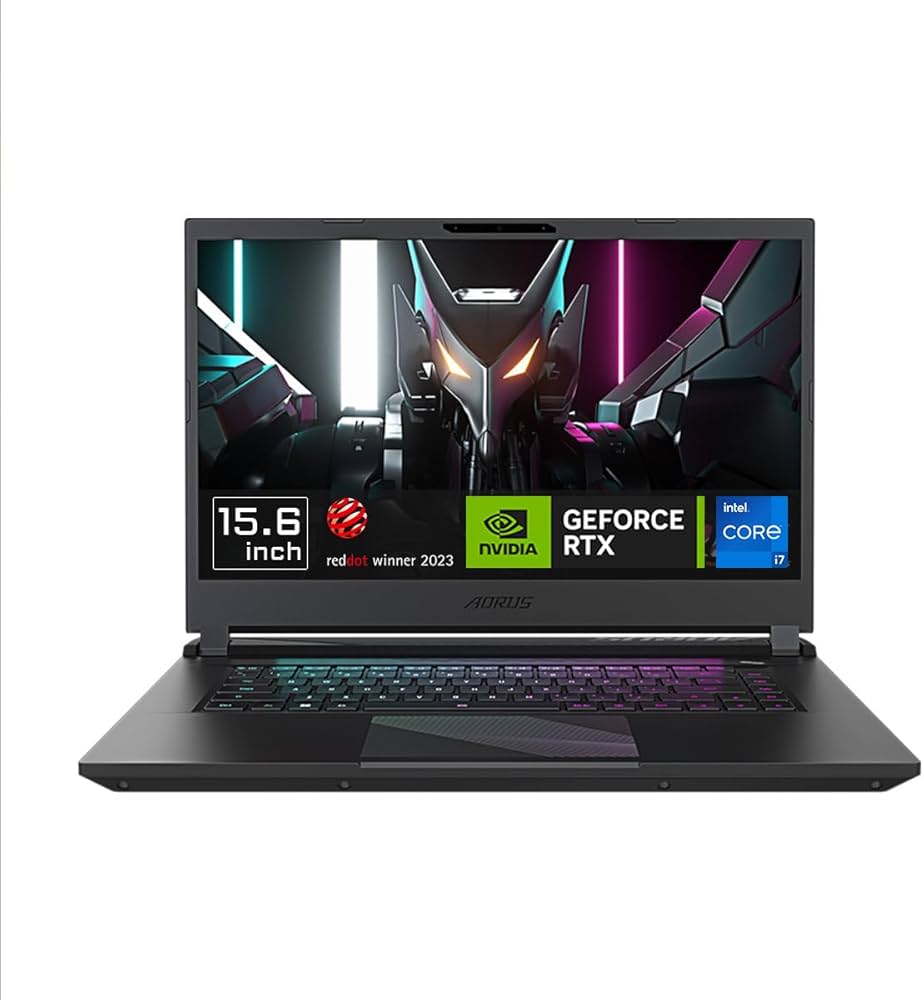
A premium-leaning option that still fits the budget.
Real-World Gaming Performance
Smooth gaming across genres with balanced thermals.
Thermals & Cooling
Efficient cooling with moderate noise.
Display Quality
QHD 165Hz panel with excellent colors.
Build Quality
Metal lid adds a premium feel.
Pros
- Great display
- Premium design
Cons
- Limited availability
Who Should Buy It
Gamers who value aesthetics.
Who Should Avoid It
Deal hunters.
Gaming Performance Expectations (2026)
For anyone shopping the best gaming laptop under $1500, here’s what you should realistically expect:
- Esports titles: 120–200 FPS
- AAA games (High settings): 60–90 FPS
- Ray tracing: Playable with DLSS enabled
Buyer Guide: How to Choose the Right Gaming Laptop
GPU vs CPU Priority
Always prioritize GPU first. A weaker GPU cannot be fixed later.
RTX 4050 vs 4060 vs 4070
- RTX 4050: Entry-level, not ideal long-term
- RTX 4060: Best balance for most gamers
- RTX 4070: More power, higher heat
Common Buyer Mistakes
- Overpaying for RGB
- Ignoring display quality
- Buying thin laptops with poor cooling
Best Gaming Laptop Under $1500 – Alternatives by Use Case
- Best Battery Life: ASUS TUF A15
- Thin & Light Gaming: Gigabyte Aorus 15
- Gaming + Content Creation: Lenovo Legion 5
FAQs
Is the best gaming laptop under $1500 future-proof?
Yes, RTX 4060 laptops should remain viable for 2–3 years.
Can I stream and game on this budget?
Absolutely, especially with Ryzen 7 or Intel HX CPUs.
Is QHD worth it for gaming laptops?
Yes, if paired with RTX 4060 or better.
If your budget is slightly tighter and you’re not targeting ultra settings or ray tracing, there are still some solid options available. Many casual and entry-level gamers prefer laptops that can handle popular titles like Valorant, CS2, GTA V, and Fortnite without spending too much. In that case, choosing the best gaming laptop under $800 makes a lot of sense, especially if you’re upgrading from an older system or buying your first gaming machine. These laptops focus on balanced performance, decent thermals, and reliable FPS for esports and light AAA gaming, making them a smart alternative for budget-conscious buyers.
Final Conclusion – Best Picks of 2026
- Best Overall: Lenovo Legion 5
- Best Value for Money: ASUS TUF Gaming A15
- Best for Competitive Gaming: MSI Katana 15
If you’re serious about performance without overspending, choosing the best gaming laptop under $1500 is the smartest move you can make in 2025. This budget delivers real power, real longevity, and real gaming satisfaction without marketing fluff.