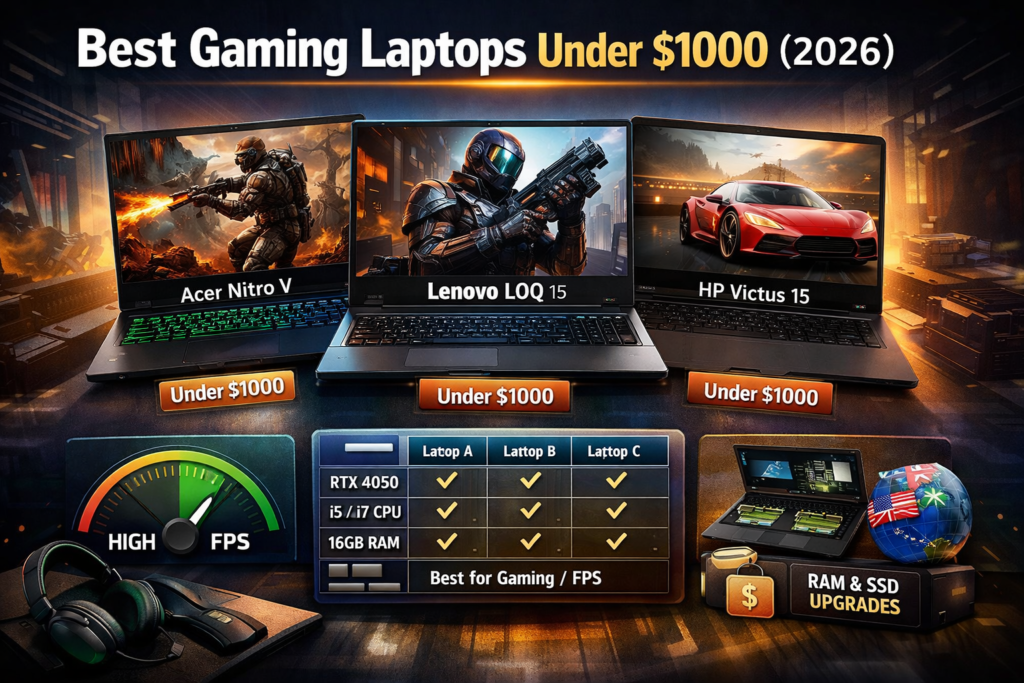
Are you also planning to buy a gaming laptop in 2026 but your budget is strictly under $800?
First, let’s clear one thing:
👉 Under $800, you cannot expect ultra-high graphics gaming, but if you choose wisely, you can get a solid 60 FPS gaming laptop in this budget.
Most articles on the internet just list specs.
In this guide, I’m sharing real gaming performance, actual use-cases, and practical recommendations — no unnecessary fluff.
What to Expect From a Gaming Laptop Under $800
Before buying, your expectations must be realistic.
What you can expect
- Esports games (Valorant, CS2, Fortnite): 60–120 FPS
- GTA V, Witcher 3: Medium–High settings
- Basic video editing & streaming
- Smooth 1080p gaming experience
What you should not expect
- Ray tracing
- Ultra settings in 2026 AAA titles
- 4K gaming
Best Gaming Laptops Under $800 (Top Picks)
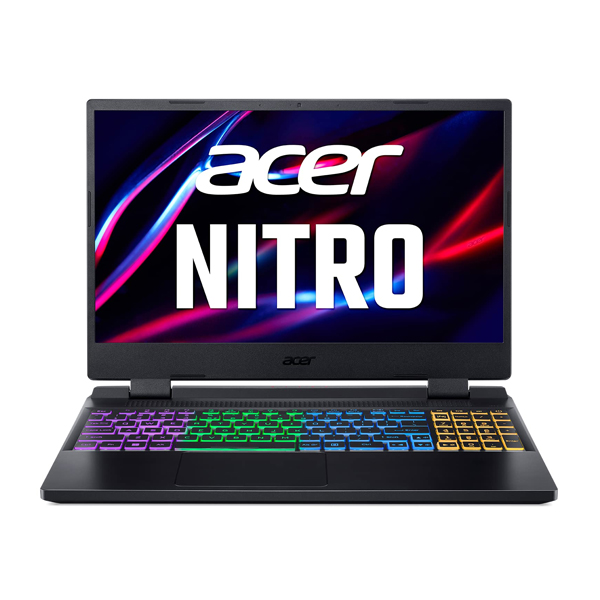
1. Acer Nitro 5 (Ryzen 5 + GTX 1650)
Why is this so popular?
Because it’s considered the king of budget gaming laptops.
Gaming Performance
- GTA V: ~60 FPS (High)
- Fortnite: ~100 FPS (Medium)
- Valorant: 140+ FPS
Best for
- Beginners
- Casual gamers
- Students
Downside
- Average battery life
- Fans get loud during gaming
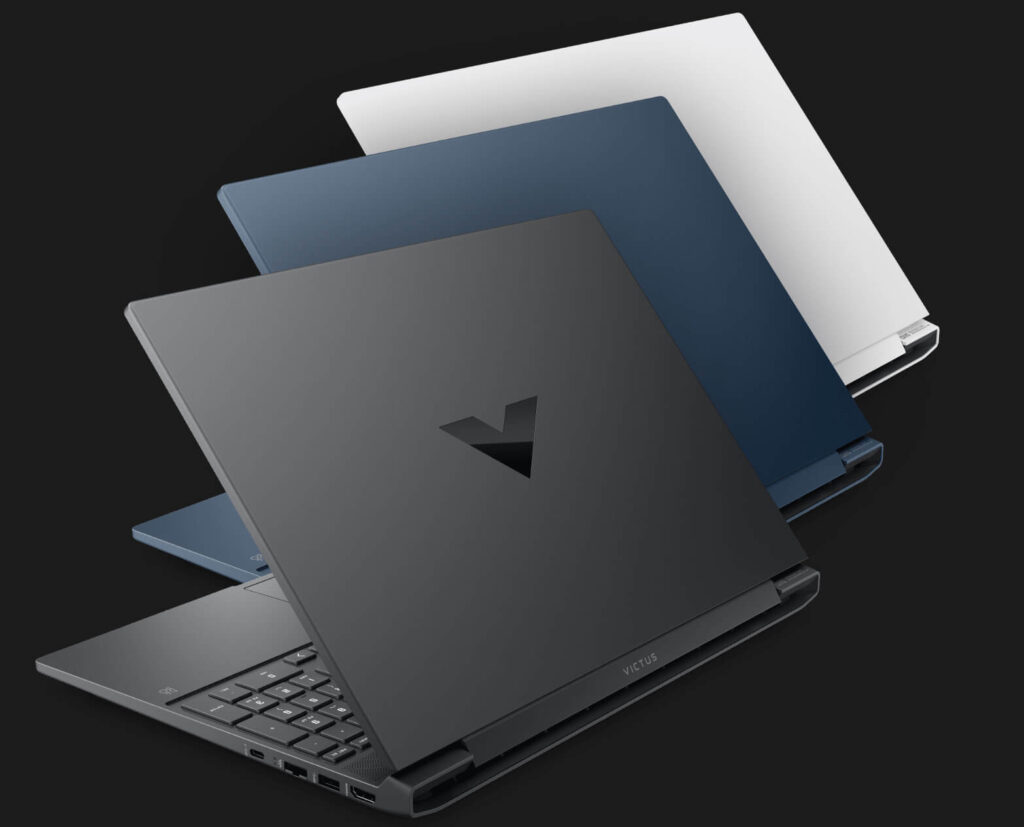
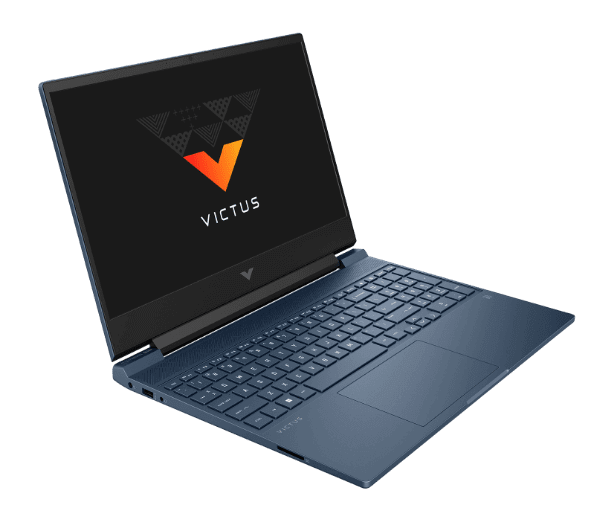
2. HP Victus 15 (Ryzen 5 / i5 Variant)
Why choose this?
- Clean and professional design
- Better thermals compared to most budget laptops
Gaming Performance
- Apex Legends: ~70 FPS
- CS2: 120+ FPS
- Warzone (Low–Medium): Playable
Best for
- Gaming + productivity combo
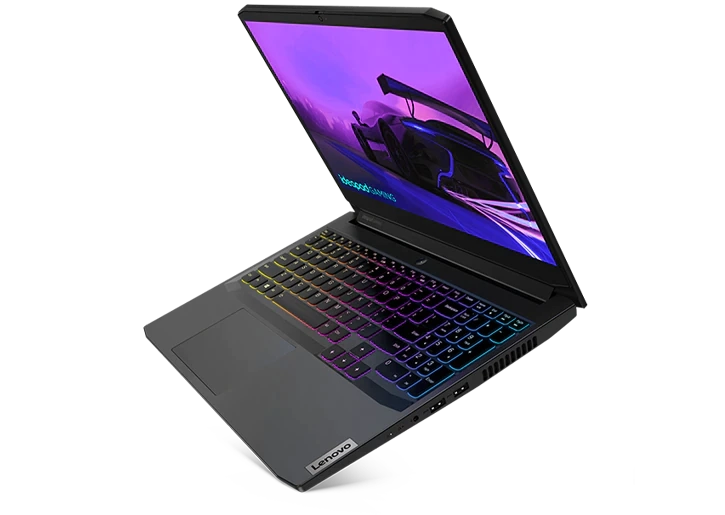
3. Lenovo IdeaPad Gaming 3
An underrated option that actually delivers.
Gaming Performance
- Fortnite: ~90 FPS
- GTA Online: Smooth
- Indie games: Excellent
Why gamers like it
- Solid keyboard
- Stable and consistent performance
Quick Comparison Table
| Laptop | GPU | Esports FPS | Best For |
|---|---|---|---|
| Acer Nitro 5 | GTX 1650 | 100+ | Pure gaming |
| HP Victus 15 | GTX 1650 | 90–110 | Gaming + work |
| IdeaPad Gaming 3 | GTX 1650 | 85–100 | Students |
Tips to Improve Gaming Performance (Very Important)
These tips give almost free performance boosts:
- Windows Power Mode → Performance
- NVIDIA Control Panel → High Performance GPU
- Upgrade RAM (8GB → 16GB)
- Use SSD (avoid HDD)
👉 Doing this can give you a 10–20% FPS boost.
Who Should Buy a Gaming Laptop Under $800?
✅ College students
✅ Casual to mid-level gamers
✅ Entry-level gaming YouTubers
✅ Budget-focused buyers
❌ Pro esports players
❌ Heavy AAA max-settings gamers
Conclusion – Is $800 Worth It?
If you make a smart choice, a $800 gaming laptop is absolutely worth it.
Most people end up disappointed because they:
- Chase brands instead of performance
- Don’t understand real-world gaming needs
- Blindly follow reviews
If you choose any of the laptops mentioned above, your gaming experience won’t be disappointing.