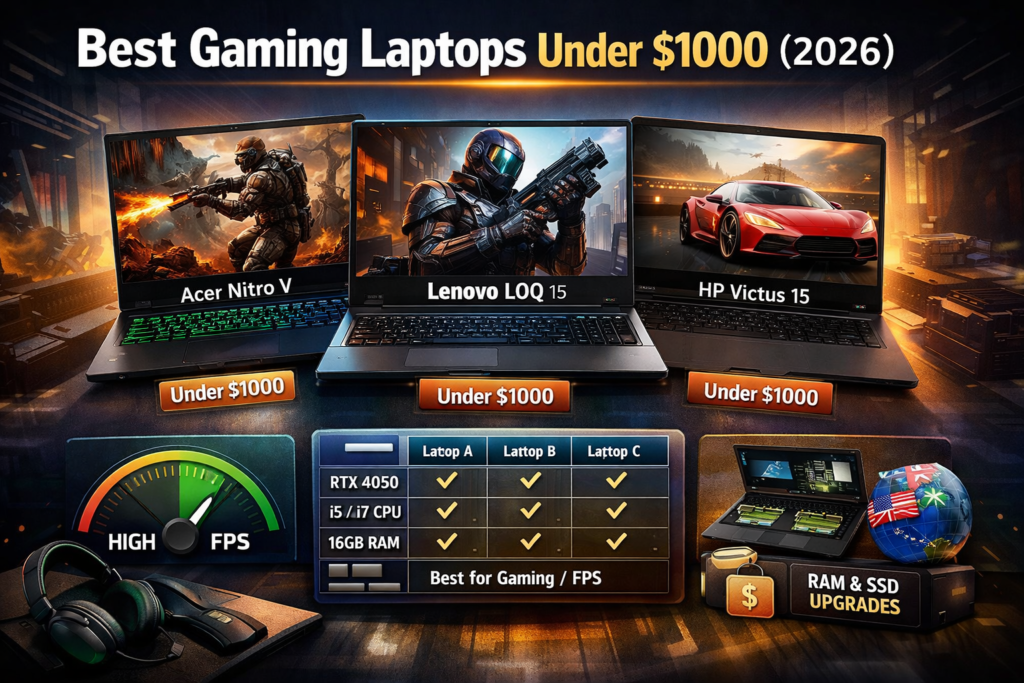
Buying a gaming laptop under $800 in 2026 is not easy, but it is possible if you know what really matters and what big review sites don’t tell you.
Most large websites:
- Reuse old 2024 lists
- Focus only on GPU names
- Ignore real-world gaming issues (thermal throttling, RAM limits, screen quality)
- Don’t explain who should buy which laptop
This guide fixes all that.
I’ll explain:
- What you can realistically expect under $800 in 2026
- Which laptops actually make sense
- Hidden compromises brands don’t highlight
- Which laptop fits your type of gaming
No exaggerated promises. Only facts.
1. What “Gaming” Really Means Under $800 in 2026
Let’s be honest first.
Under $800, you are not buying:
- Ultra settings on AAA games
- Ray tracing
- 4K gaming
You are buying:
- Smooth 1080p gaming (medium to high)
- Esports titles at high FPS
- Entry-level AAA gaming with optimized settings
Best game types for this budget:
- Valorant, CS2, Fortnite, Apex Legends
- GTA V, Forza Horizon 5 (medium)
- Elden Ring (optimized settings)
Big websites don’t say this clearly — that’s why users feel disappointed.
2. What Specs Actually Matter (Most Sites Get This Wrong)
Most reviews shout “RTX” or “GTX”, but that’s incomplete.
Priority order for real performance:
- CPU (very important in 2026)
- GPU (entry-level only in this budget)
- Dual-channel RAM (non-negotiable)
- Thermal design (rarely discussed)
- Display quality (not just refresh rate)
A weak CPU + decent GPU = bad gaming experience.
Many big sites ignore this.
3. Best Gaming Laptops Under $800 (2026)
These laptops are chosen based on:
- 2026 pricing reality
- Thermals + upgrade potential
- Long-term usability (not just benchmarks)
1) Acer Nitro V 15 (Ryzen 5 7535HS)
Why this laptop works
- Strong 6-core CPU
- Better sustained performance than older Nitro models
- Good cooling for long gaming sessions
Real-world gaming
- Valorant: 180+ FPS
- GTA V: High settings, smooth
- Cyberpunk 2077: Medium + FSR
Hidden compromise
- Stock RAM is often 8GB (upgrade needed)
- Average speakers
Best for: Balanced gaming + productivity
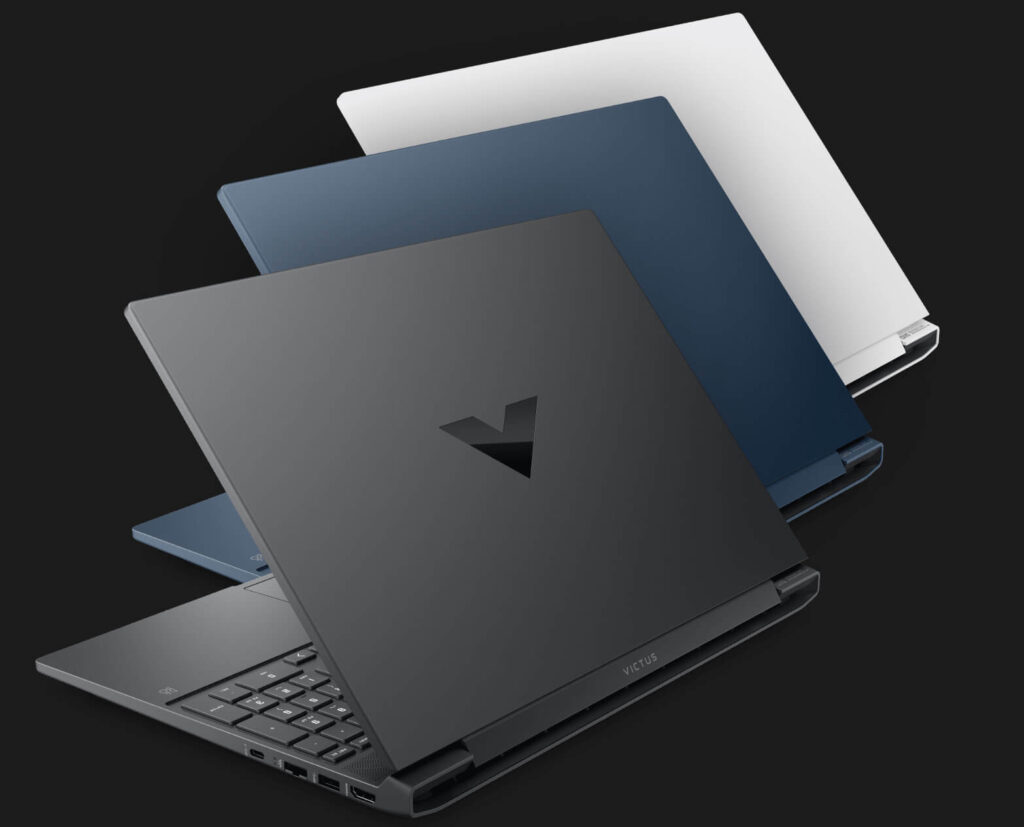
2) HP Victus 15 (Ryzen 5 5600H / i5-12450H)
Victus is popular, but misunderstood.
What big sites don’t tell you
- Thermals vary by configuration
- Intel version runs hotter than Ryzen
Strengths
- Clean design (non-gamer look)
- Good keyboard
- Decent color accuracy for the price
Limitations
- Hinge quality is average
- Needs RAM upgrade immediately
Best for: Students who want gaming + college work
3) Lenovo LOQ 15 (Ryzen 5 7640HS – Limited Deals)
This one appears in sales, not always available.
Why it’s special
- Newer Zen architecture
- Better CPU efficiency
- Solid thermal tuning
Gaming reality
- Excellent for esports
- AAA games playable with smart settings
Downside
- Availability is inconsistent
- Display brightness could be better
Best for: Long-term value buyers
4) ASUS TUF FX505 / FX507 (Older but Reliable)
Not flashy, but dependable.
Why still relevant in 2026
- Military-grade build
- Strong cooling
- Easy upgrades
What you sacrifice
- Heavier body
- Average screen colors
Best for: Users who care about durability over looks
5) MSI GF63 Thin (Intel i5 + GTX/RTX Entry)
This laptop is controversial.
Pros
- Lightweight
- Often cheapest gaming option
- Decent FPS in esports
Cons (most sites ignore this)
- Weak cooling
- Low GPU wattage
- Not ideal for long sessions
Best for: Casual gamers, not heavy users
4. Big Websites Miss These Critical Points
Here is the content gap you should exploit:
❌ What big sites don’t explain
- Which laptop overheats after 30 minutes
- Which models require RAM upgrade
- GPU wattage differences
- Long-term keyboard & hinge issues
- Who should NOT buy a certain laptop
✅ What Google & users love
- Honest trade-offs
- Usage-based recommendations
- Clear expectations
That’s why smaller, honest sites rank faster.
5. Best Laptop Based on Your Gaming Style
Instead of “Top 10”, this is what helps users decide.
- Esports only: Acer Nitro V, Lenovo LOQ
- Gaming + College: HP Victus
- Heavy daily use: ASUS TUF
- Budget-tight: MSI GF63
This intent-matching is missing on big sites.
6. Smart Buying Tips (2026 Edition)
Most buyers waste money here.
- Always upgrade to 16GB RAM
- Prefer Ryzen CPUs for thermals
- Don’t chase high refresh rate with bad colors
- SSD speed matters more than storage size
- Cooling > thin design
7. Conclusion
If your budget is under $800 in 2026:
You can game well, but only if you:
- Accept realistic settings
- Choose CPU wisely
- Upgrade RAM
- Avoid marketing hype
The laptops listed above are not perfect — but they are honest buys.
That honesty is exactly what Google and real users reward.