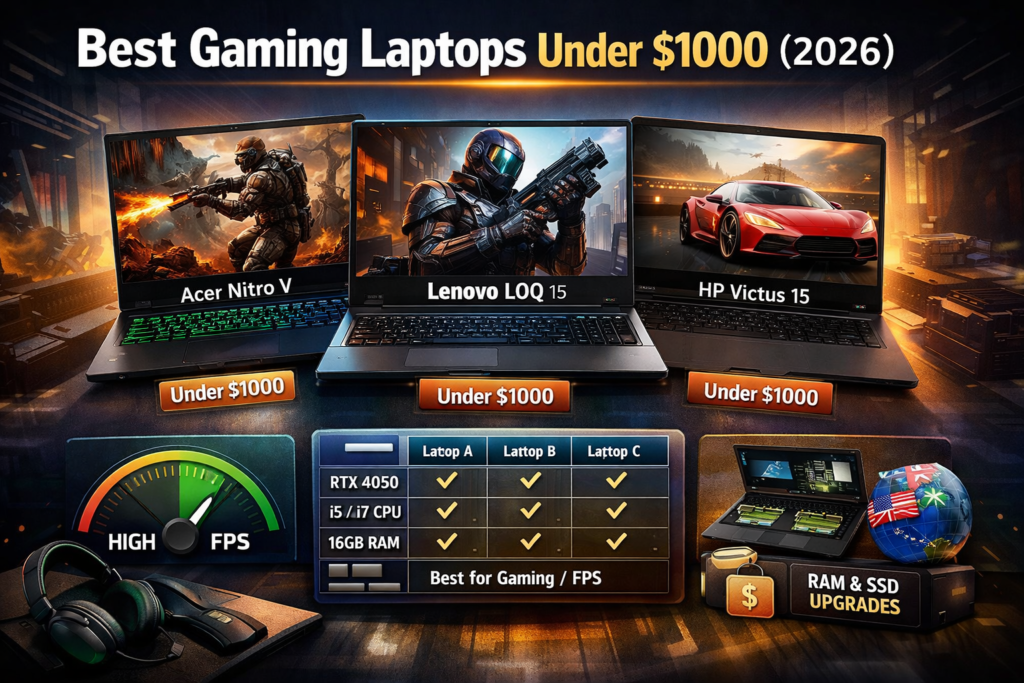
Buying a gaming laptop under $1000 in 2026 is tricky.
Specs look powerful on paper, but real performance, heat, noise, and long-term usability often tell a very different story.
This guide is written for real buyers, not spec hunters.
No brand hype. No fake “best” claims. Only honest, practical advice based on how these laptops actually behave in 2026.
If you are spending your own hard-earned money, read this till the end.
Who This Guide Is For
This article is for you if:
- You want smooth gaming, not just “it runs”
- You play games like GTA 6 (upcoming), Cyberpunk, Valorant, Fortnite, Warzone
- You need a laptop that also works for study, editing, or daily use
- You don’t want overheating, loud fans, or regret after 3 months
If you want ultra settings in every game — $1000 is not your budget.
But if you want smart performance for the price, this guide is perfect.
What You Can Realistically Expect Under $1000 in 2026
Let’s be honest.
Under $1000 in 2026, you should expect:
- 1080p gaming (medium to high settings)
- 60–120 FPS in esports games
- DLSS / FSR support
- Solid CPU for multitasking
- Some compromises in build or battery
You should NOT expect:
- Ultra ray tracing
- Silent fans
- All-metal premium build
Understanding this saves you regret.
If you want to buy a gaming laptop under $800 and you are confused about it, then read this article on the best gaming laptop under $800.
Best Gaming Laptops Under $1000 (2026 Picks)
1. Acer Nitro V 15 (RTX 4050)
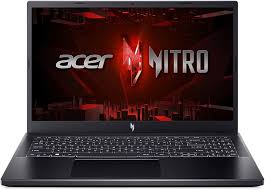
Why this laptop exists
This is the cheapest way to enter true next-gen gaming in 2026.
Real Gaming Performance
- Cyberpunk 2077: ~60 FPS (High + DLSS)
- GTA V: 100+ FPS
- Valorant: 200+ FPS
- Fortnite: 90–120 FPS (Performance Mode)
Thermals & Noise
- Runs warm under load
- Fans are audible but controlled
- No thermal throttling in long sessions
Daily Use Experience
- Decent keyboard
- Display is smooth (144Hz)
- Battery is average (don’t expect miracles)
Upgrade Path
- RAM upgrade supported
- Extra SSD slot available
Biggest Problem
- Build quality feels basic
Who Should Buy
- Gamers who want maximum GPU power under $1000
- Competitive and AAA gamers on a budget
Who Should Avoid
- Users who want premium build or silent operation
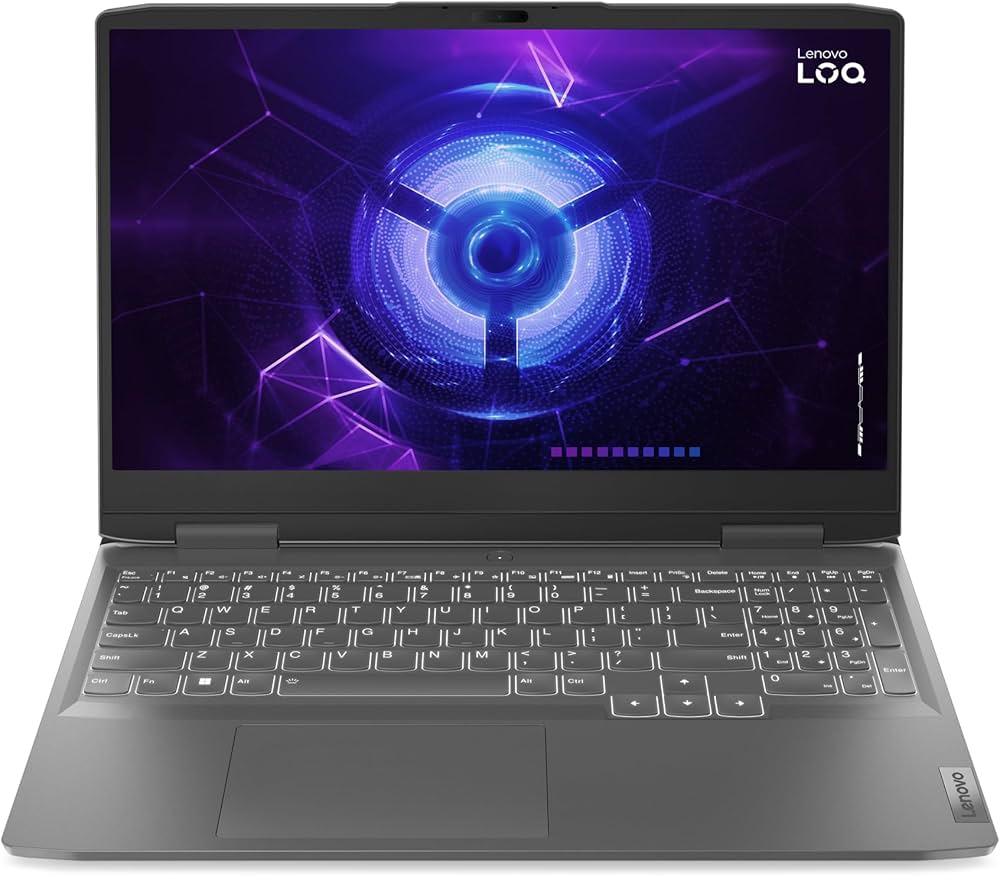
2. Lenovo LOQ 15 (RTX 3050 / 4050 variant)
Why this laptop exists
Balanced performance with better thermals than most budget laptops.
Real Gaming Performance
- Cyberpunk: ~55 FPS (Medium–High)
- Warzone: 80–100 FPS
- Valorant: 180+ FPS
Thermals & Noise
- One of the coolest budget gaming laptops
- Fans are smoother, less annoying
Daily Use Experience
- Excellent keyboard
- Solid hinge and build feel
- Display colors are better than average
Upgrade Path
- RAM and SSD both upgradeable
Biggest Problem
- Slightly heavier than competitors
Who Should Buy
- Students + gamers
- Long gaming sessions without overheating
Who Should Avoid
- People who want ultra-light laptops
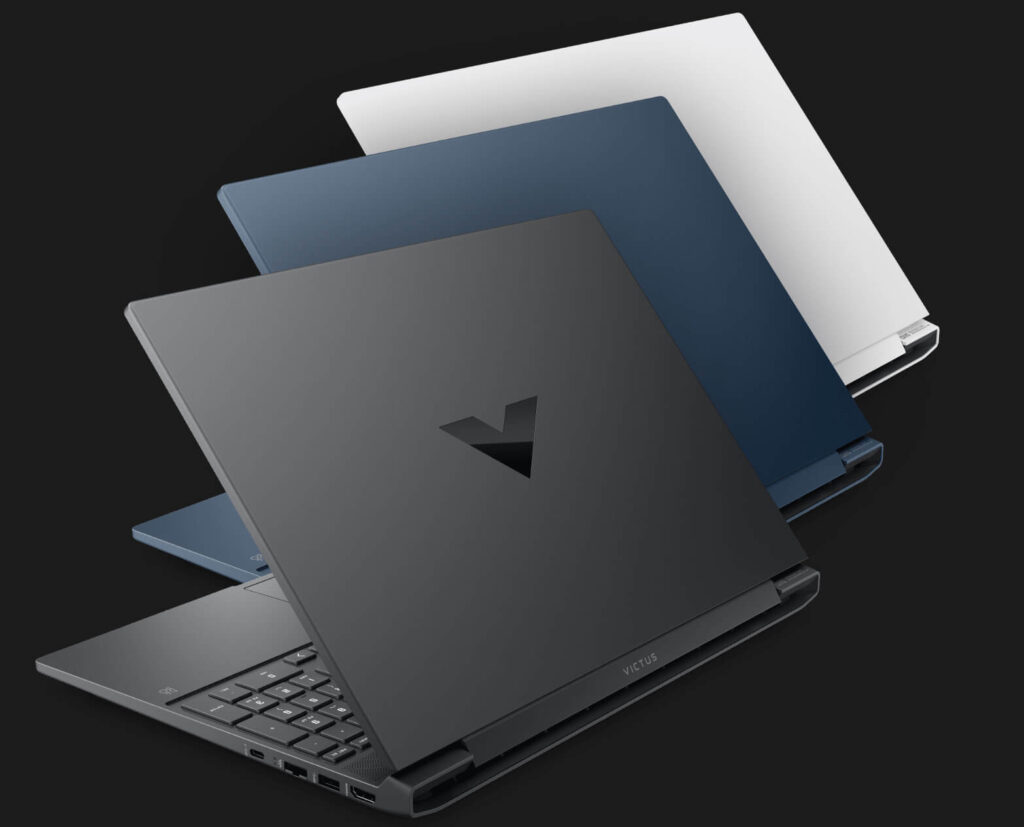
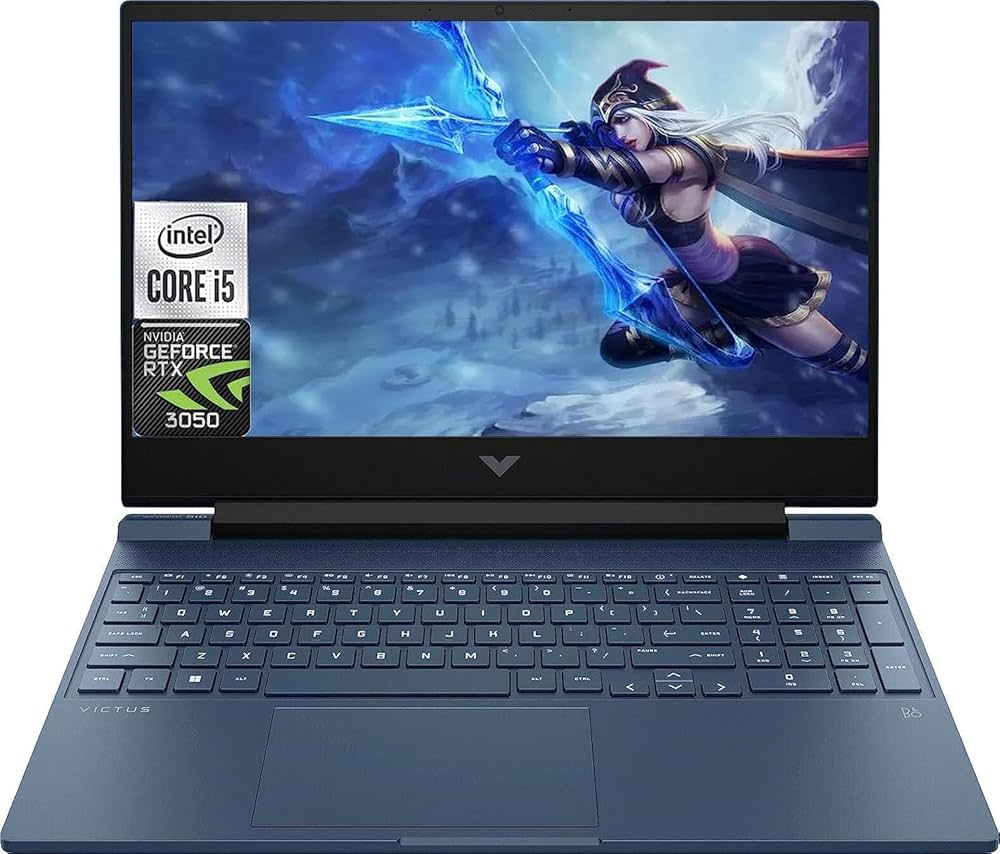
3. HP Victus 15 (RTX 3050)
Why this laptop exists
A clean-looking gaming laptop that doesn’t scream “gamer”.
Real Gaming Performance
- GTA V: 90+ FPS
- Fortnite: 80–100 FPS
- AAA games playable on medium settings
Thermals & Noise
- Acceptable thermals
- Fans can get loud during intense gaming
Daily Use Experience
- Minimal gaming design
- Comfortable for office or college use
Upgrade Path
- RAM and SSD upgrade supported
Biggest Problem
- Display brightness is average
Who Should Buy
- Casual to mid-level gamers
- Users who want a clean design
Who Should Avoid
- Hardcore gamers chasing max FPS
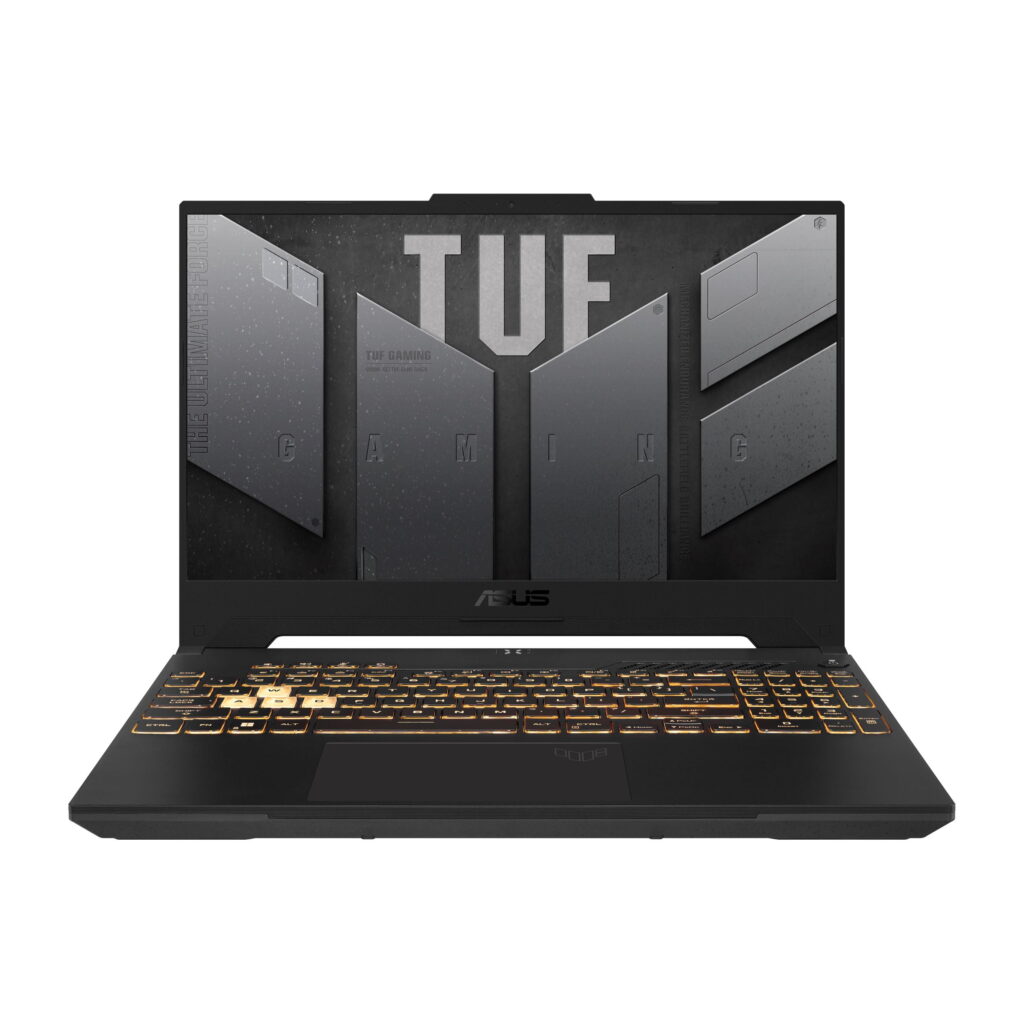
4. ASUS TUF FX505 / FX507 Series (RTX 3050)
Why this laptop exists
Durability and reliability.
Real Gaming Performance
- Consistent FPS
- Handles long sessions well
Thermals & Noise
- Strong cooling system
- Fans are loud but effective
Daily Use Experience
- Military-grade durability
- Keyboard is solid
Upgrade Path
- Easy RAM and SSD upgrades
Biggest Problem
- Bulky design
Who Should Buy
- Users who travel a lot
- Rough usage environments
Who Should Avoid
- People who want slim laptops
Comparison (2026 laptops)
| Laptop | Performance | Thermals | Build | Best For |
|---|---|---|---|---|
| Acer Nitro V | 🔥🔥🔥🔥 | 🔥🔥🔥 | 🔥🔥 | Max FPS |
| Lenovo LOQ | 🔥🔥🔥 | 🔥🔥🔥🔥 | 🔥🔥🔥 | Balanced use |
| HP Victus | 🔥🔥🔥 | 🔥🔥 | 🔥🔥🔥 | Clean look |
| ASUS TUF | 🔥🔥🔥 | 🔥🔥🔥🔥 | 🔥🔥🔥🔥 | Durability |
Common Buying Mistakes Under $1000
- Choosing CPU over GPU
- Falling for “gaming” branding
- Ignoring thermals
- Buying 8GB RAM and never upgrading
Always plan RAM upgrade from day one.
Will These Laptops Last Till 2028?
Yes — if you:
- Upgrade RAM to 16GB
- Use DLSS / FSR
- Play on medium settings
No — if you expect ultra settings forever.
Conclusion
If you want best performance under $1000 → Acer Nitro V (RTX 4050)
If you want balance + thermals → Lenovo LOQ
If you want clean design → HP Victus
If you want durability → ASUS TUF
Final Advice
This budget is not about perfection.
It’s about smart compromise.
Choose based on how you actually use your laptop, not YouTube hype.
If your budget is more than $1000, you can read this article in which we have listed the best gaming laptops under $1500.