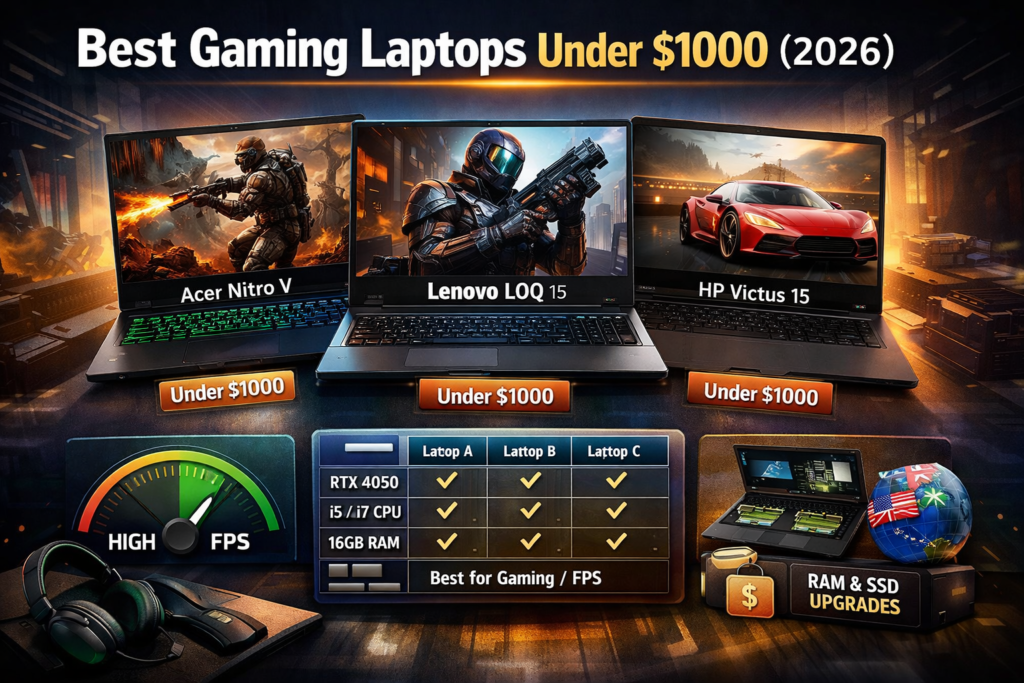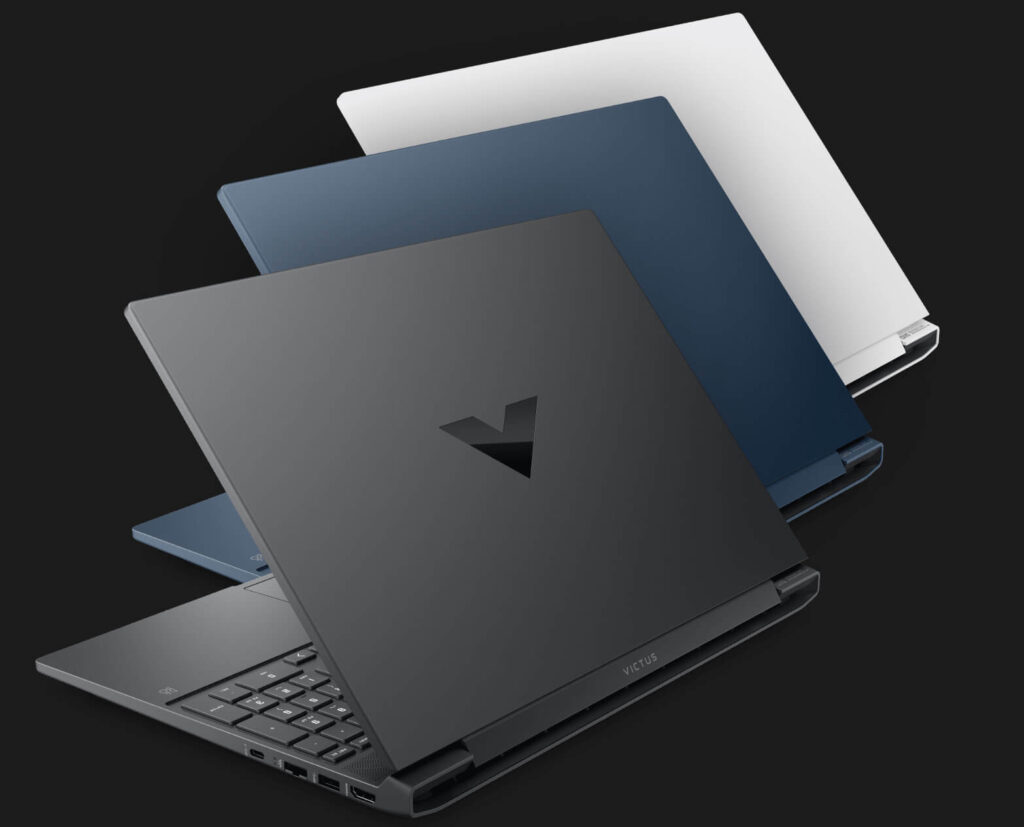
Buying a gaming laptop in 2026 is more confusing than ever. GPU names keep changing. Processors look extremely powerful on paper. Brands push flashy RGB marketing. Prices vary wildly — even for similar specs.
Most buyers make at least one of these mistakes:
• Overpaying for unnecessary specs
• Ignoring cooling system quality
• Choosing the wrong GPU for their actual games
• Buying thin models that throttle under load
This guide breaks everything down in simple but technical terms so you can choose the right gaming laptop based on real performance — not marketing hype.
Why Buying a Gaming Laptop in 2026 Is More Confusing Than Ever
Laptop brands now sell the same GPU in multiple wattage versions. Two RTX 4060 laptops can perform very differently depending on cooling and TGP (Total Graphics Power).
Add to that:
• DDR4 vs DDR5 confusion
• 1080p vs 1440p debate
• Thin “gaming” ultrabooks
• Marketing terms like AI Boost
Without understanding core components, it’s easy to waste money.
What Actually Makes a Laptop a “True” Gaming Machine?
A real gaming laptop must have:
Dedicated GPU (RTX / RX Series)
Integrated graphics are not enough for modern gaming. A true gaming machine uses RTX or RX series GPUs.
High Refresh Rate Display (120Hz or Higher)
60Hz panels are outdated for competitive gaming. Minimum 120Hz is expected in 2026.
Advanced Cooling System
Gaming generates heat. Without proper cooling, performance drops (thermal throttling).
Performance-Focused CPU
Modern multi-core processors ensure stable frame rates and smooth multitasking.
Upgradeable RAM and Storage
Future-proofing requires expandable memory and SSD slots.
Without these features, it’s just a regular laptop with RGB lighting.
GPU Guide 2026 – The Most Important Component
In 2026, GPU matters more than CPU for gaming.
Entry-Level GPUs (RTX 3050 / RTX 4050)
Best for eSports titles like GTA V, Valorant, CS2.
Not ideal for ultra AAA gaming at high settings.
Mid-Range GPUs (RTX 4060 / RTX 4070)
Perfect balance for 1080p high settings AAA gaming.
Recommended for most gamers.
High-End GPUs (RTX 4080 / RTX 4090)
Designed for 1440p or higher resolution gaming.
Future-proof but expensive.
Golden Rule: Always choose a stronger GPU over a slightly better CPU.
CPU Buying Guide – Don’t Overpay
For gaming:
• i5 / Ryzen 5 → More than enough
• i7 / Ryzen 7 → Best balance
• i9 / Ryzen 9 → Overkill for most gamers
If budget is tight, prioritize GPU first.
CPU matters for streaming and productivity — but for pure gaming, GPU dominates.
RAM and Storage Strategy for 2026 Gaming
Is 16GB RAM Enough in 2026?
Yes. 16GB is the minimum sweet spot for modern games.
8GB is no longer recommended.
Single Channel vs Dual Channel RAM
Dual channel improves performance. Always prefer 2x8GB instead of single 16GB if possible.
512GB vs 1TB SSD – What Should You Choose?
Modern AAA games often exceed 100GB.
1TB is ideal for long-term use.
Cooling System – The Most Ignored Buying Factor
Thin gaming laptops look premium — but often throttle under load.
Before buying, check:
• Dual fan design
• Number of heat pipes
• Real-world thermal benchmark reviews
• GPU wattage (TGP rating)
Avoid laptops with known overheating issues.
Performance without cooling stability is useless.
Display Guide – Refresh Rate vs Resolution
For most gamers:
Refresh Rate > Resolution
Best balance:
• 1080p resolution
• 144Hz or 165Hz refresh rate
• 100% sRGB panel preferred
Unless you’re doing professional content creation, 4K is unnecessary and expensive.
Build Quality and Battery Life Reality Check
Gaming laptops are not designed for long unplugged sessions.
Realistic expectations:
• 3–5 hours normal usage
• 1–2 hours gaming on battery
Metal chassis models usually offer better durability and less flex.
Common Gaming Laptop Buying Mistakes
• Buying thin “gaming” ultrabooks
• Ignoring GPU wattage
• Falling for RGB marketing
• Choosing 8GB RAM
• Not checking cooling reviews
Avoid these and you’re already ahead of most buyers.
Step-by-Step Gaming Laptop Buying Framework
Step 1 – Set your budget
Step 2 – Choose the best GPU in that range
Step 3 – Confirm cooling system performance
Step 4 – Check RAM upgrade options
Step 5 – Compare display specs
This order prevents overspending.
Best Gaming Laptops by Budget
If your budget is tight, explore our detailed guide on Best Gaming Laptop Under $800 where we compare performance-focused models.
For balanced mid-range buyers, check Best Gaming Laptop Under $1000 featuring RTX 4060 options with proper cooling.
For higher performance and future-proof machines, see Best Gaming Laptop Under $1500 including RTX 4070 laptops.
(Insert internal links naturally here.)
Future-Proofing Your Gaming Laptop (2026–2029 Strategy)
If you plan to use your laptop for 3–4 years:
• RTX 4060 minimum
• 16GB RAM
• Good thermal design
• Expandable SSD
Anything below this may struggle with upcoming AAA titles.
Frequently Asked Questions
Is 8GB RAM Enough for Gaming in 2026?
No. Modern games require 16GB for smooth performance.
Is RTX 3050 Still Worth Buying?
For AAA gaming at high settings — no.
For eSports and casual gaming — yes.
Gaming Laptop vs Desktop – Which Is Better?
Desktop offers better price-to-performance ratio.
Laptop offers portability and convenience.
Conclusion – How to Choose Smart in 2026
The best gaming laptop is not the most expensive one.
It’s the one that matches your usage and budget correctly.
Focus on:
• GPU first
• Strong cooling
• 16GB RAM minimum
• Balanced display specs
Avoid marketing traps. Buy based on real performance.