
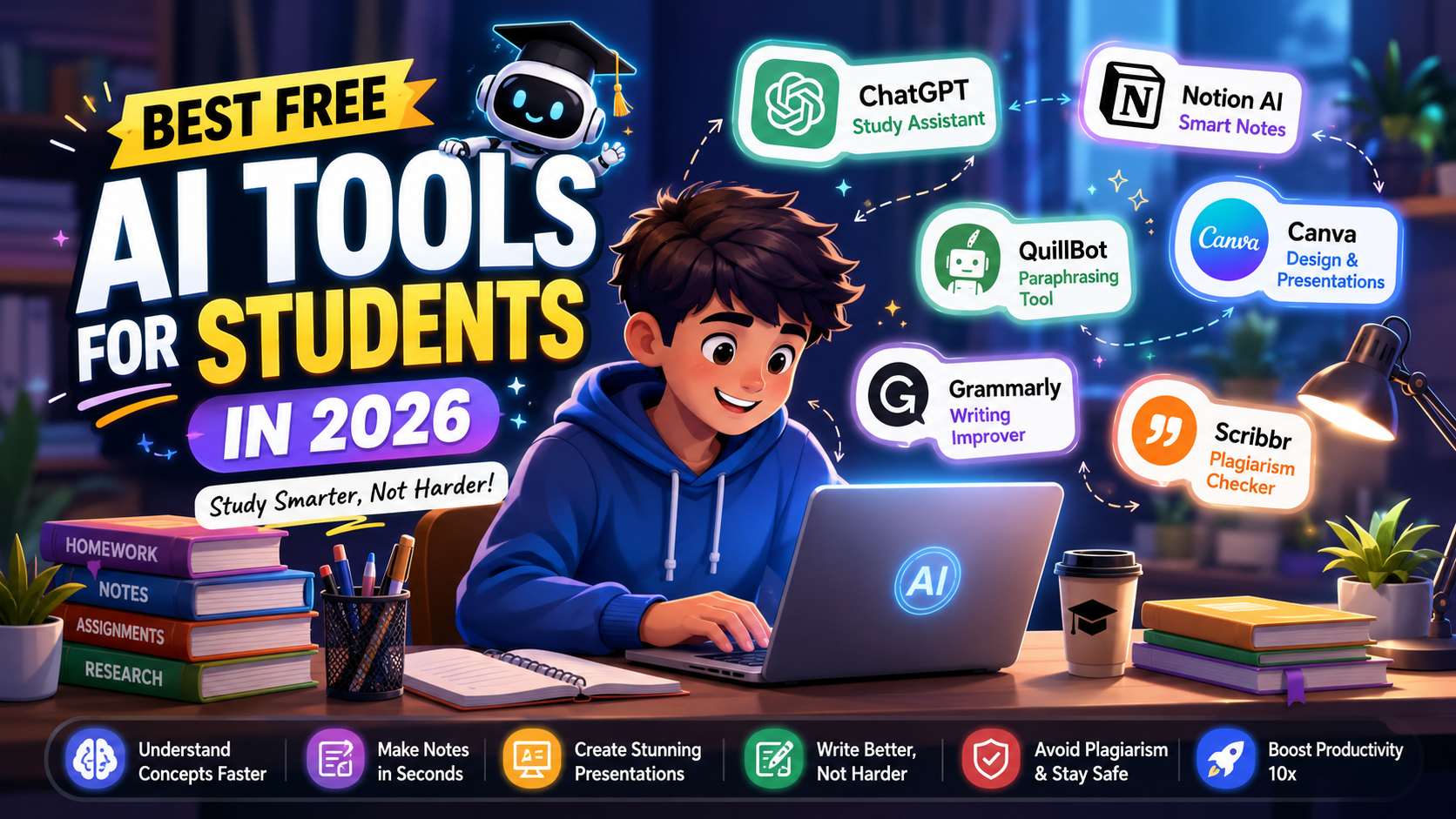
In 2026, AI tools have become a game changer for students. Whether you want to do homework, create notes, or make presentations — AI makes everything faster and easier. AI tools can do almost every task like an all-rounder.
In this article, we will cover the Top free best AI tools for students that can improve your productivity from 1× to 10×.
| AI Tool | Best Use | Key Features | Best For |
|---|---|---|---|
| ChatGPT | Study assistant | Homework help, summaries, explanations | All students |
| Notion AI | Smart notes | Notes summary, planners, task management | College students |
| Canva | Presentation & design | PPTs, resumes, templates | School & college students |
| QuillBot | Essay rewriting | Paraphrasing, grammar fixes | Writing improvement |
| Grammarly | Grammar correction | Writing clarity, grammar check | English writing |
| Scribbr | Plagiarism checking | Originality reports, academic safety | Research & assignments |
1. ChatGPT – All-in-One Study Assistant
If you want to use only one AI tool, then ChatGPT is the best option for you.
Using ChatGPT is very easy. Even beginners can use it without any difficulty. Its interface (home screen) is very simple — you just type your question or speak through voice, and it explains everything in detail and helps you understand your questions easily.
ChatGPT Use Cases:
- Helps with homework
- Helps in essay writing
- Explains concepts in simple language
- Summarizes notes
ChatGPT can easily handle all these tasks without asking anything in return. That’s why it is ranked number 1 — because it is very simple and easy to use.
💡 Tip:
Use prompts like:
“Explain like I am 10”
This makes even difficult topics easy to understand.
2. Notion AI – Smart Note Taking Tool
If you make school or college notes, this tool can make your life much easier.
Notion AI is a powerful productivity tool that helps students with note-taking and study management. Its AI feature can automatically summarize long notes, highlight important points, and even convert rough ideas into properly structured content. If you want to organize class notes or create quick revision material for exams, Notion AI can help a lot. You can also manage to-do lists, study planners, and project tracking in one place. The best part is that its interface is simple, so beginners can use it easily. Overall, Notion AI is an all-in-one study assistant that improves study productivity.
Important Features of Notion AI:
👉 Features:
- Automatic notes summary
- To-do list generation
- Study planner
💡 Best for: College students
3. Canva – Presentation & Design Tool
Do you also find making presentations boring like me? Then why not use Canva?
Canva is a beginner-friendly design tool that makes creating presentations, assignments, and social media graphics very easy for students. It provides thousands of ready-made templates, so even without design skills you can create professional-looking slides and posters. Canva’s drag-and-drop interface is simple, where you can easily add text, images, icons, and animations. Its AI features are also very useful — you can get automatic presentation designs, image generation, and content suggestions. If you want to create attractive PPTs or resumes for school or college, Canva is a perfect free AI tool. Overall, Canva saves time and boosts creativity.
What You Can Do with Canva:
👉
- Create PPT slides
- Make infographics
- Design resumes
💡 Free templates are already available.
4. QuillBot – Essay Rewrite Tool
If you want to improve your essay or avoid plagiarism, then use QuillBot. It is very useful.
QuillBot – Best AI Tool for Paraphrasing & Essay Writing
QuillBot is a popular AI writing tool that helps students improve their essays and assignments. Its main feature is paraphrasing, where you can rewrite sentences to make them clearer and more professional. It offers multiple modes like Standard, Fluency, and Creative, allowing you to modify content according to your writing style. QuillBot’s grammar checker and summarizer are also very useful, especially when you need to convert long content into short and simple formats. Most importantly, it helps reduce plagiarism, which is very important for students. If you want to improve your English writing or make assignments better, QuillBot is an excellent free AI tool.
QuillBot Features:
👉
- Paraphrasing
- Grammar correction
- Sentence improvement
5. Grammarly – Writing Improvement Tool
If you are weak in English, then use Grammarly.
Grammarly – Best Tool for Grammar & Writing Improvement
Grammarly is a powerful AI writing assistant that helps students improve their English writing. It automatically detects grammar mistakes, spelling errors, and punctuation issues, and provides correction suggestions. Its real-time checking feature helps fix errors while typing, making your content clearer and more professional. Grammarly also gives tone suggestions, so you can adjust your writing style to formal, casual, or academic. It is useful for emails, essays, and assignments. If you want to strengthen your English and write error-free content, Grammarly is a must-have free tool that improves both productivity and confidence.
Grammarly Helps With:
👉
- Fixing grammar
- Improving sentence clarity
- Making writing professional
6. Scribbr – Plagiarism Checker
Avoiding plagiarism in assignments is very important.
Scribbr is a trusted plagiarism checker that helps students keep their assignments and research work original. It scans your content against internet and academic databases to detect duplicate or copied content. Its detailed reports clearly show which parts match and where improvements are needed. This is especially useful for students writing essays, theses, or research papers who want to avoid plagiarism. Scribbr’s interface is simple, so beginners can use it easily. If you want to keep your content 100% original and avoid academic penalties, Scribbr is a reliable tool.
Why Use Scribbr:
👉
- To check content originality
- To keep academic writing safe
How to Use AI Tools Smartly?
Just using AI tools is not enough — using them smartly is also important.
Nowadays many students use AI tools, but the biggest difference is between smart use and wrong use. If you use AI correctly, it can increase your productivity from 2× to 10×.
✅ 1. Treat AI as an Assistant, Not a Replacement
AI is there to help you, not to do everything for you.
👉 First understand the topic yourself, then use AI to improve it.
Don’t let AI do everything from A to Z. You also need to understand the topic. Otherwise, if your teacher asks questions later, you may not be able to answer and feel embarrassed in class. Understanding the topic yourself will only benefit you.
✅ 2. Don’t Directly Copy-Paste
Many students directly submit AI-generated content — this is a mistake.
👉 Always:
- Rewrite it in your own way
- Add your own words and style
- Include examples
✅ 3. Use Specific Prompts
The clearer your prompt is, the better output AI will give.
👉 Example:
❌ “Write essay on climate change” — this is not a good prompt.
✅ Better prompt:
“Explain climate change in simple words for a 10th class student with examples.”
✅ 4. Combine Multiple Tools
Do not depend on only one tool for everything.
👉 Use smart combinations:
- ChatGPT → for ideas & explanations
- QuillBot → for rewriting
- Grammarly → for grammar fixes
👉 This will make your output more professional.
✅ 5. Review the Final Content Yourself
AI is not 100% perfect. Always check the content yourself once.
👉 Always verify:
- Are the facts correct?
- Is the grammar correct?
- Is the content logical?
Never directly copy-paste without checking first.
❌ Avoid These Mistakes
- Blindly trusting AI ❌
- Copy-pasting assignments ❌
- Using the same content everywhere ❌
Always rewrite and customize content according to your own style.
Final Tip
If you use AI tools smartly, you will work faster and write better. But if you take a lazy approach, AI can slow down your growth.
Many people use simple prompts like:
“Write an essay on climate change”
Then ChatGPT also gives a very basic answer.
That’s why the way you instruct AI matters.
Professional Prompt Example:
“Write a 500-word essay on climate change in simple English for students. Include an introduction, 3 main causes, effects, and a conclusion. Add real-life examples and keep the tone easy to understand.”
This is the difference between a beginner and a professional user.
- Simple prompts → simple output
- Professional prompts → professional output
✅ Understand before writing
✅ Treat AI as an assistant, not a replacement
❌ Never just copy-paste
Final Tips (With Simple Professional Prompts)
If you want the best output from AI tools, you need to give clear and structured prompts.
Below are some simple and professional prompt examples.
1. To Understand Concepts
👉 Use with ChatGPT
Prompt:
“Explain [topic] in simple words for a beginner with real-life examples.”
2. For Making Notes
👉 Best for study & revision
Prompt:
“Summarize this topic into short notes with bullet points for quick revision.”
3. Essay / Assignment Writing
👉 For structured output
Prompt:
“Write a well-structured essay on [topic] with introduction, main points, and conclusion in simple English.”
4. Paraphrasing (Rewrite)
👉 Use with QuillBot
Prompt:
“Rewrite this paragraph in a more clear and professional tone without changing the meaning.”
5. Grammar & Improvement
👉 Use with Grammarly
Prompt:
“Check this text for grammar mistakes and improve sentence clarity.”
6. For Creating Presentations
👉 Fast PPT creation
Prompt:
“Create a presentation outline on [topic] with slide titles and key points.”
Pro Tip
Always include these 3 things in your prompt:
- Level (student/beginner)
- Tone (simple/professional)
- Format (points/steps)
Final Advice
The more specific your prompt is, the more powerful the AI result will be. AI works best when you guide it clearly.
Final Thoughts
If you are a student, AI tools can take your productivity to the next level. Start with simple tools like ChatGPT and Canva, then slowly try advanced tools.
FAQ Of Top Free Best AI Tools for Students in 2026
Q1. Which is the best free AI tool for students?
👉 ChatGPT is the most versatile because it is very easy and simple to use.
Q2. Are AI tools free?
👉 Yes, basic versions are free, but some advanced features are limited.
Q3. Is it safe to use AI for homework?
👉 Yes, it is safe if you use it with understanding. If you only copy-paste, you will not learn anything.